Add Freckles To Photo App
Add realistic and customizable freckles to your photos with natural-looking results
Upload photo
Your generated content will appear here
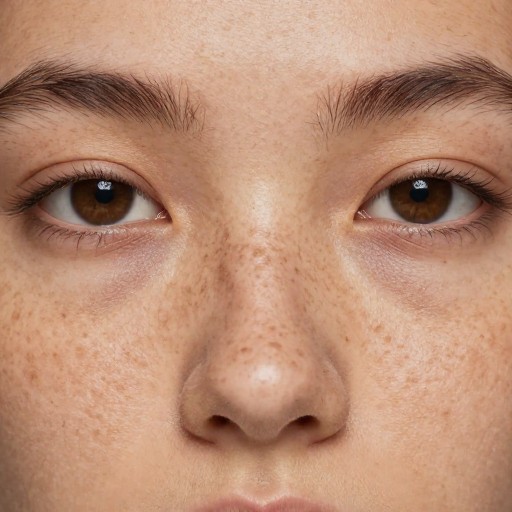
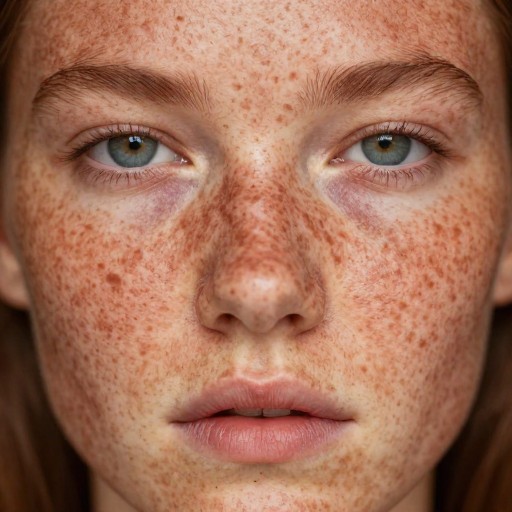
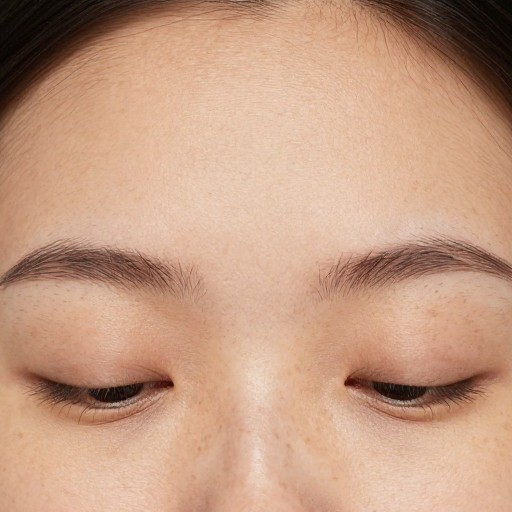
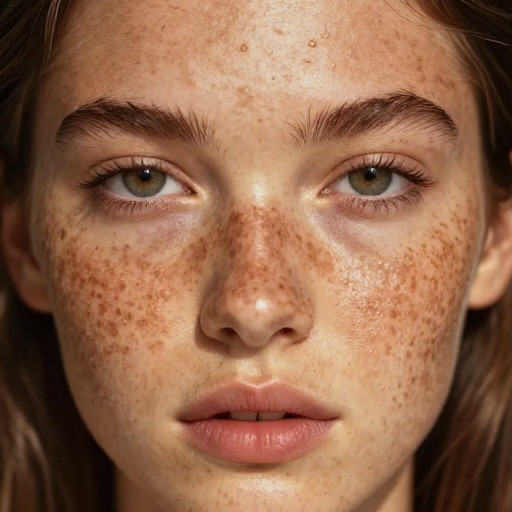
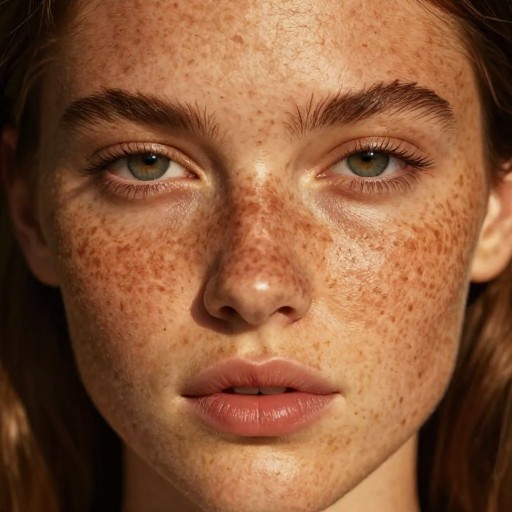
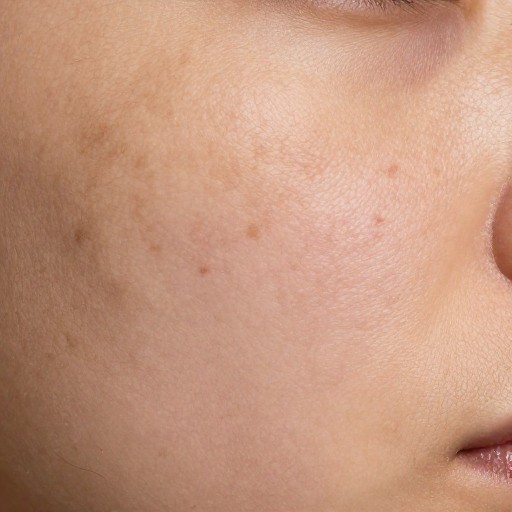
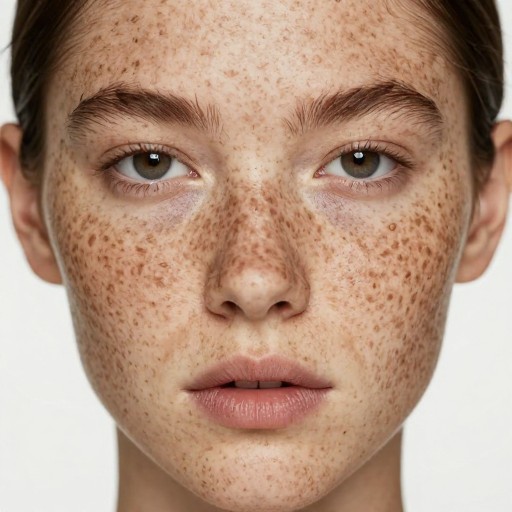
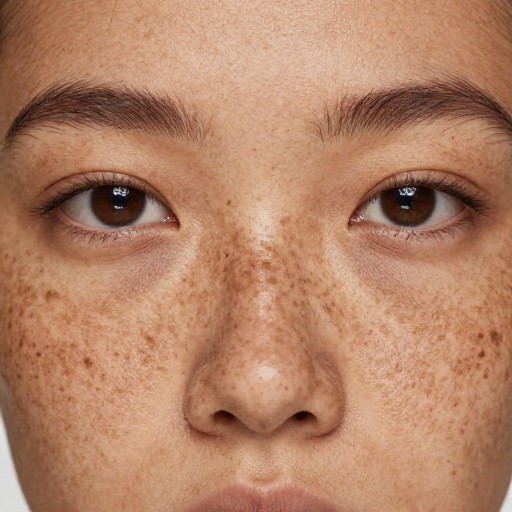
Add Freckles To Photo App Examples
See what others have created
Related Portrait & Caricature Tools
How to Get Started
Simple steps to create amazing results
Upload Your Photo
Choose a photo from your device using the upload option. Select a clear, well-lit image for the best results.
Customize Your Freckles
Select your preferred freckle style (natural, dense, or light) and choose from colors like light brown or reddish to match your desired look.
Download & Share
Preview your enhanced photo, make any final adjustments, and download your freckle-filtered image to share or save.
Main Features
Powerful capabilities at your fingertips
AI-Powered Freckle Application
Our advanced AI technology applies realistic freckles that blend naturally with your skin tone and facial features for an authentic look.
Customizable Styles & Colors
Choose from multiple freckle patterns including natural, dense, or light, and select various colors like light brown, reddish, or custom tones.
Instant Results
Get your freckled photos in seconds with our fast processing technology. No waiting, no delays—just beautiful results immediately.
High-Quality Downloads
Download your edited photos in full resolution with no watermarks. Save, edit, or remove the effect anytime you want.
Multiple Photo Support
Apply freckles to unlimited photos. Experiment with different styles and settings across all your favorite images.
Non-Permanent Editing
The freckles filter is applied digitally to a copy of your photo. Your original image remains untouched and safe.
Frequently Asked Questions
Everything you need to know
What is a freckles filter?
Can I customize the style and color of the freckles?
How do I upload my photo and apply the freckle filter?
Is the freckle filter effect permanent?
Ready to Get Started?
Transform your photos with beautiful, natural-looking freckles in seconds. Join millions who've already enhanced their look!