Add Elf Ears To Photo
Transform your photos with realistic and customizable elf ears — upload, adjust, and create magical images in minutes
Upload and customize
Your generated content will appear here
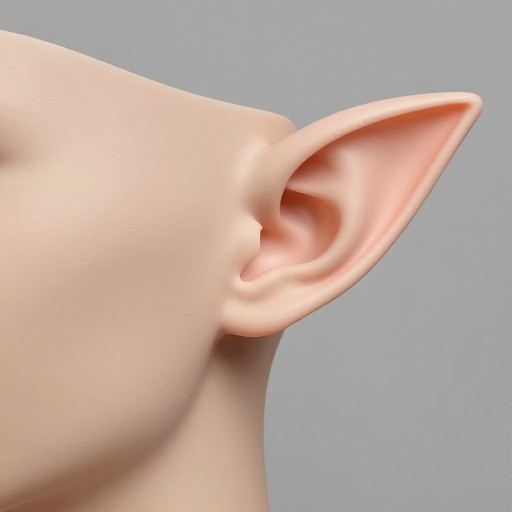
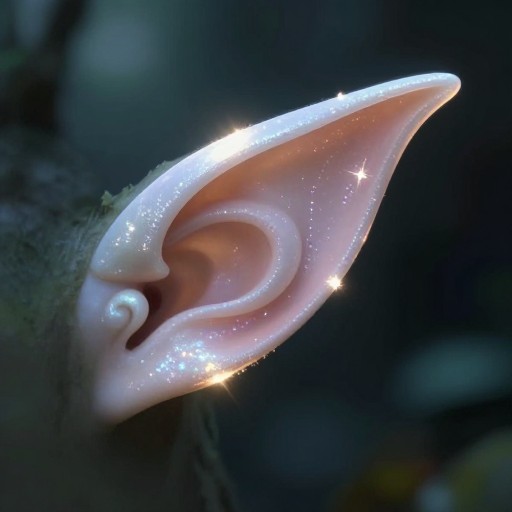
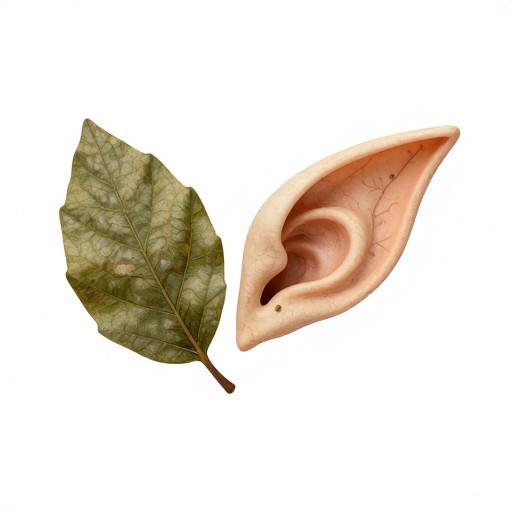
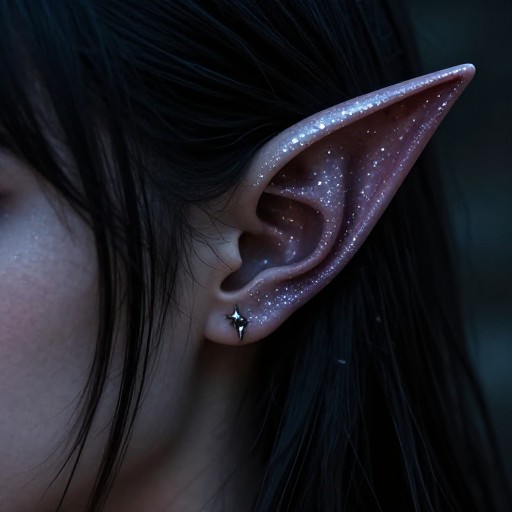
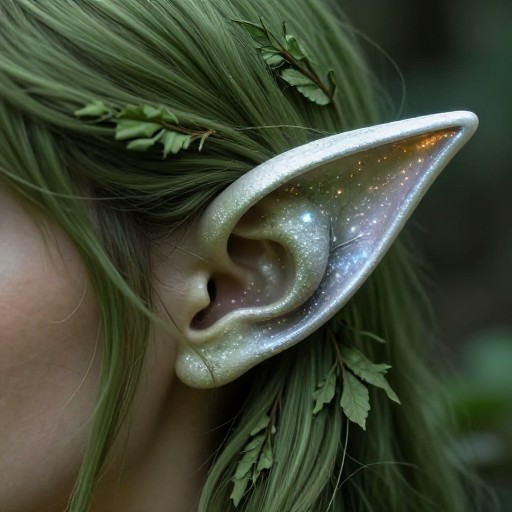
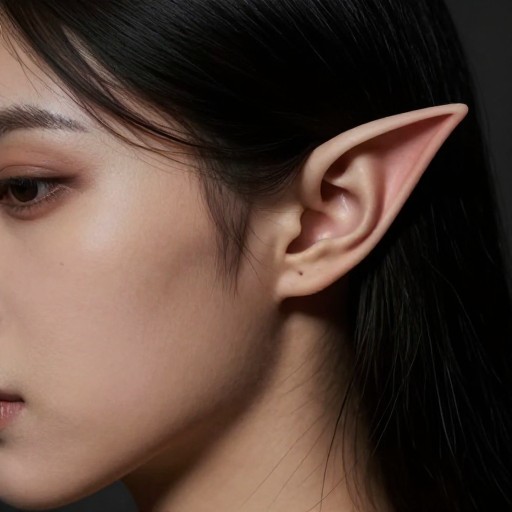
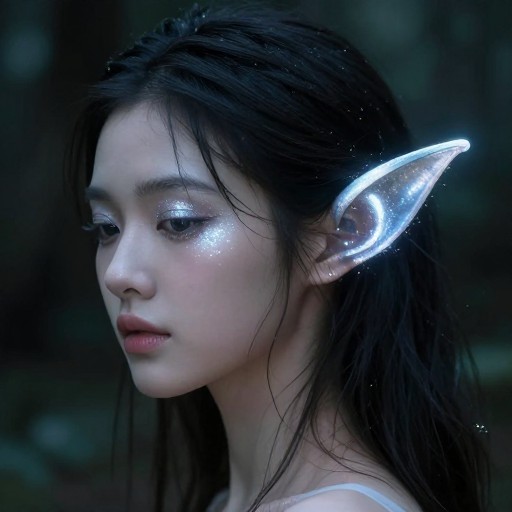
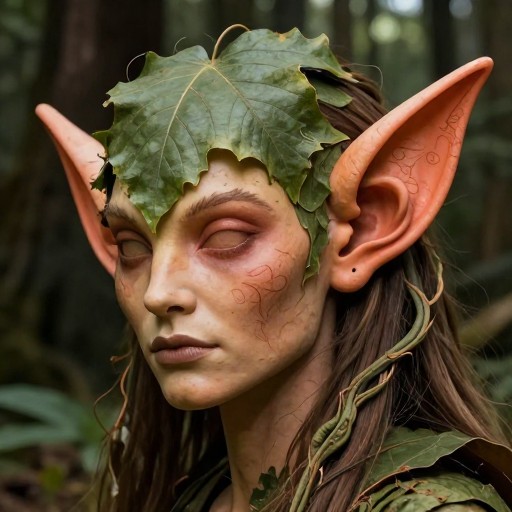
Add Elf Ears To Photo Examples
See what others have created
Related Portrait & Caricature Tools
How to Get Started
Simple steps to create amazing results
Upload Your Photo
Select and upload any photo where you want to add magical elf ears. Our tool works with portraits, selfies, and group photos.
Choose Your Elf Ear Style
Select from classic pointy ears, fantasy curved ears, or subtle small ears. Adjust the size, angle, and position to match your vision perfectly.
Download Your Creation
Preview your transformed photo with realistic elf ears, then download in high quality for sharing on social media or printing.
Main Features
Powerful capabilities at your fingertips
AI-Powered Realism
Advanced AI technology automatically matches lighting, skin tone, and perspective to blend elf ears naturally with your photo for authentic-looking results.
Multiple Ear Styles
Choose from a variety of elf ear designs including classic fantasy pointed ears, elegant elven styles, subtle variations, or dramatic options for cosplay and creative projects.
Full Customization
Adjust ear size, rotation, position, and transparency with precision controls. Fine-tune every detail until you achieve the perfect magical transformation.
Instant Processing
Generate your elf ear photo in seconds with our fast processing engine. No waiting, no complicated software—just quick, beautiful results.
High-Resolution Export
Download your edited photos in full resolution, perfect for social media posts, profile pictures, cosplay portfolios, or printing.
Works with Any Photo
Transform portraits, selfies, professional headshots, or group photos. Our intelligent system adapts to different angles, lighting conditions, and photo qualities.
Frequently Asked Questions
Everything you need to know
How do I add elf ears to my photo?
What styles of elf ears can I choose from?
Is the elf photo filter realistic?
Can I adjust the size and position of the elf ears?
What photo formats are supported?
Can I use this for cosplay or costume photos?
Ready to Transform Into an Elf?
Join thousands of users creating magical elf transformations. Upload your photo and add beautiful elf ears in seconds—completely free!