Add Blush To Photo
Enhance your photos with perfectly placed digital blush for a natural, radiant glow
Upload and customize
Your enhanced photo will appear here
Add Blush To Photo Examples
See what others have created
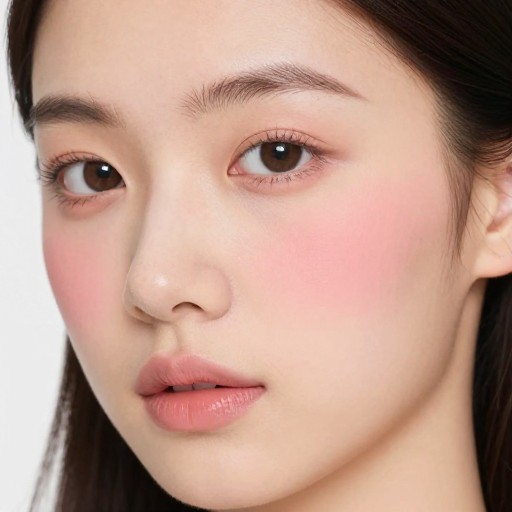
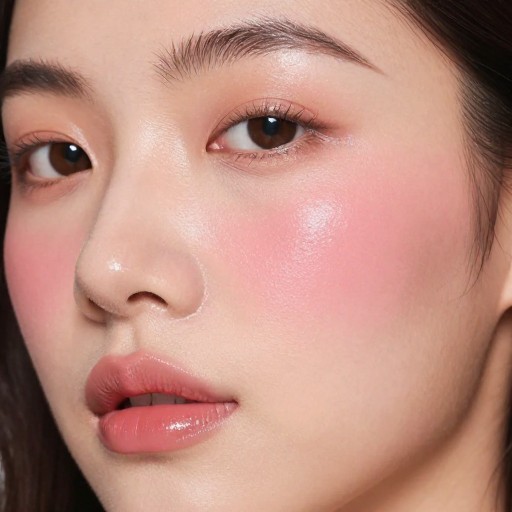
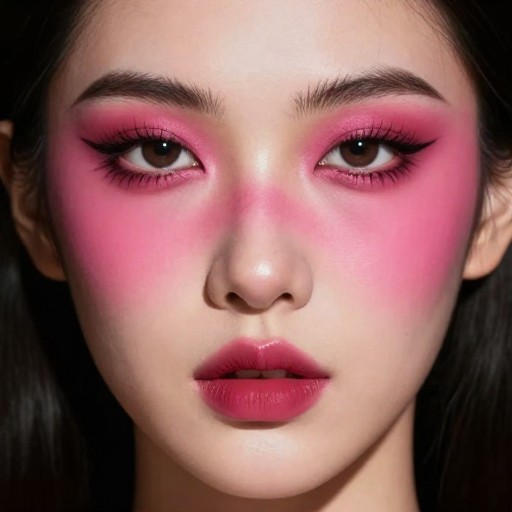
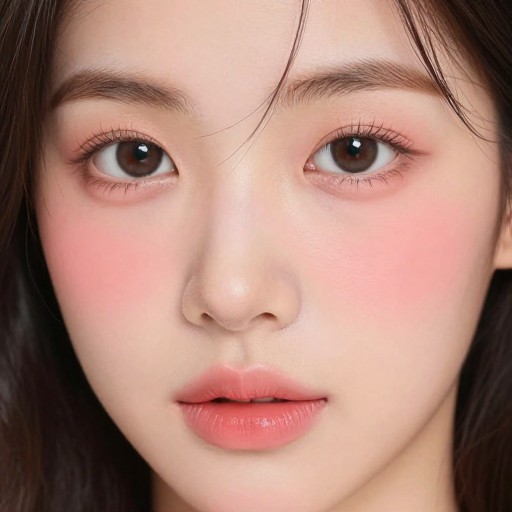
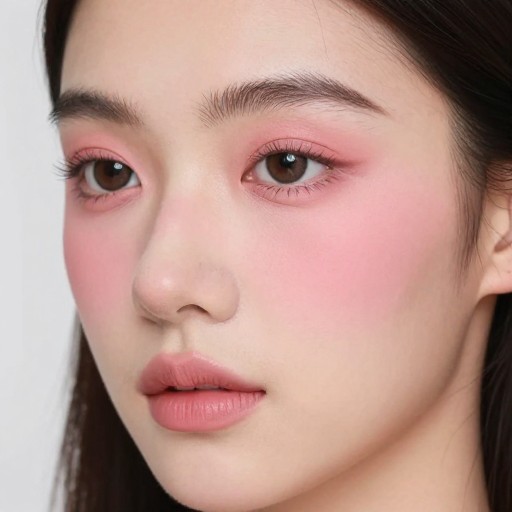
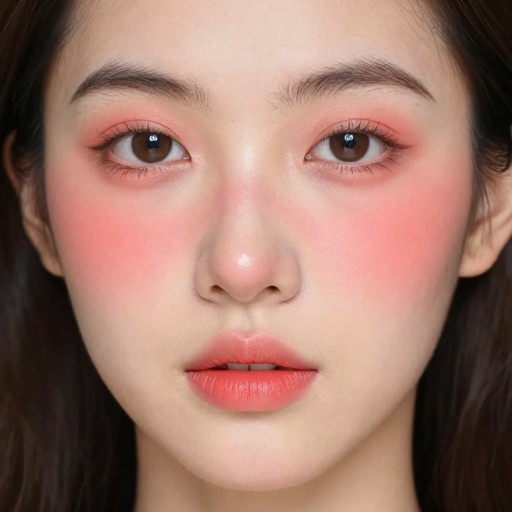
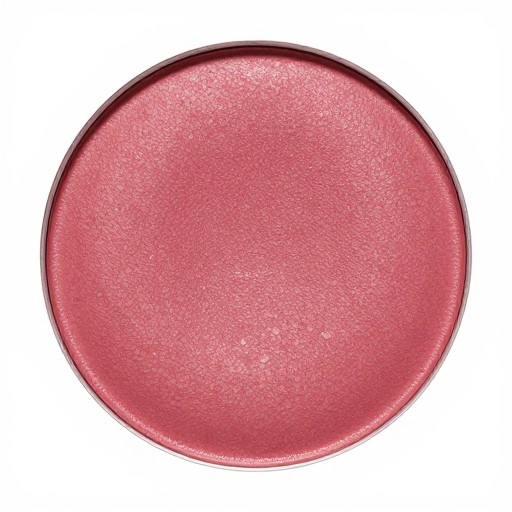
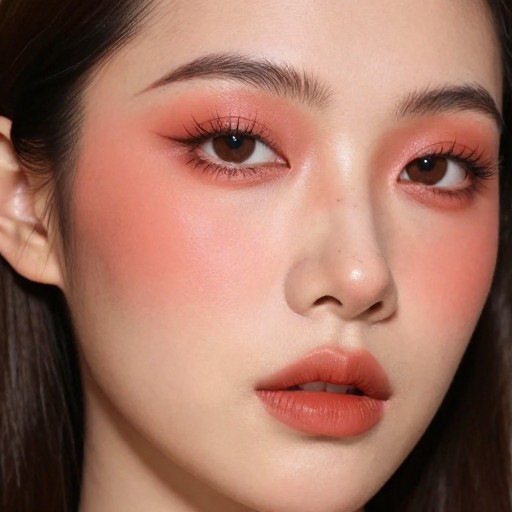
Related Portrait & Caricature Tools
How to Get Started
Simple steps to create amazing results
Upload Your Photo
Select the image you want to enhance and upload it to our AI-powered platform.
Customize Blush Style
Choose your preferred blush style, intensity, placement, and color to match your vision.
Download & Share
Generate your beautifully enhanced photo instantly and download it in high resolution.
Main Features
Powerful capabilities at your fingertips
Multiple Blush Styles
Choose from natural, rosy, dramatic, or custom styles with adjustable colors and intensity levels to perfectly match your desired look.
AI-Powered Precision
Our advanced AI applies blush naturally and realistically, detecting facial features automatically for flawless placement every time.
Instant Enhancement
Get professional-quality results in seconds without any photo editing skills or complicated software.
High-Resolution Output
Download your enhanced photos in full quality, ready to share on social media or use for any purpose.
Frequently Asked Questions
Everything you need to know
How do I add blush to a photo using this service?
Can I choose different blush styles and intensities?
Will other aspects of my photo be altered?
What photo formats are supported?
Ready to Get Started?
Transform your photos with perfect blush in seconds. No editing skills required.