Engraving Portrait Generator
Transform your photos into stunning laser engravings with professional quality results
Upload an image to begin
Your generated content will appear here
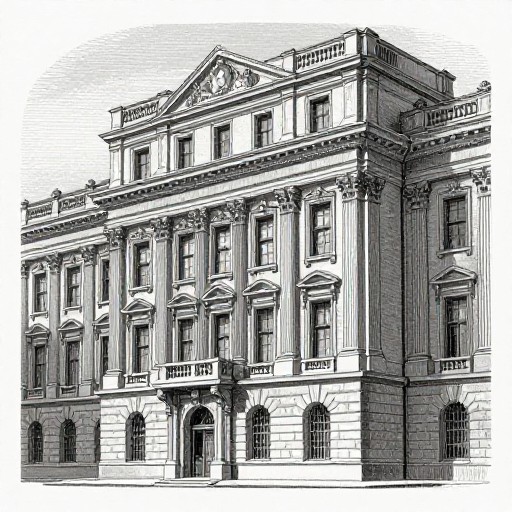
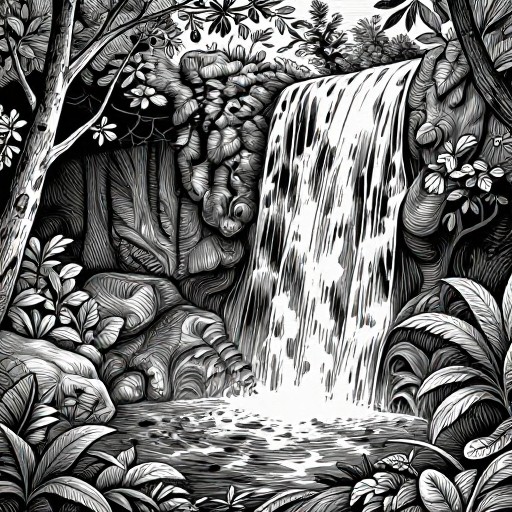
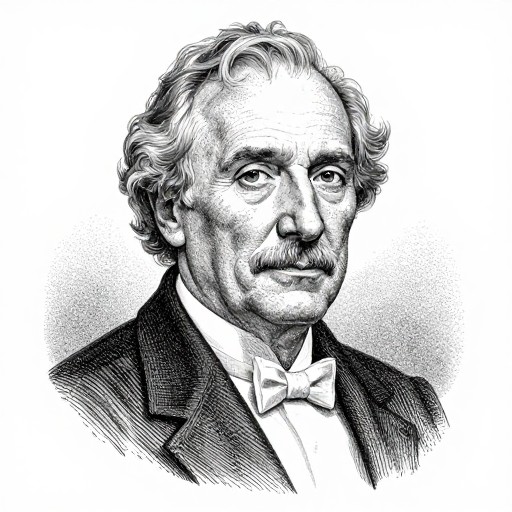
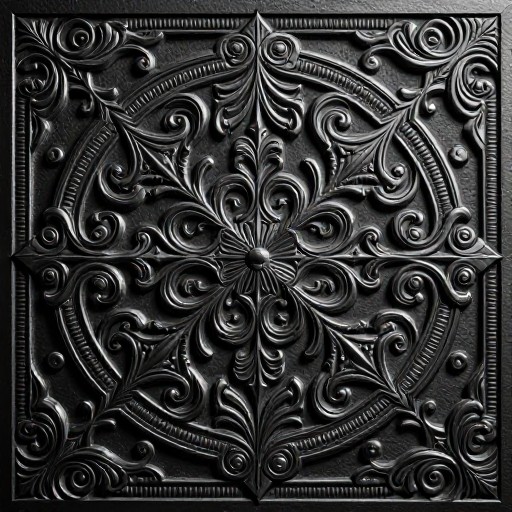
Engraving Portrait Generator Examples
See what others have created
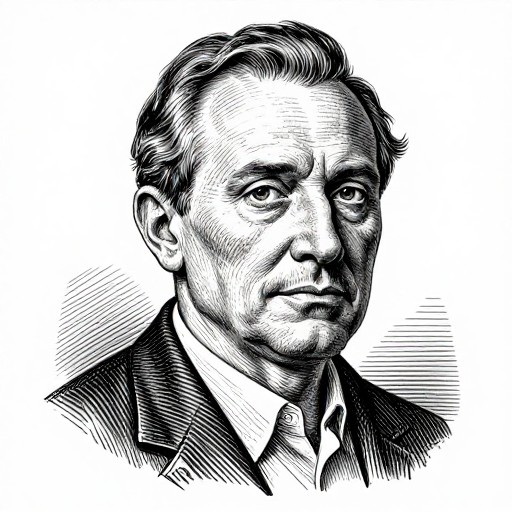
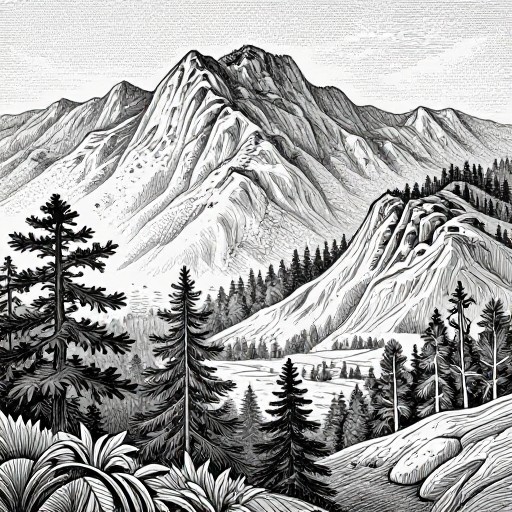
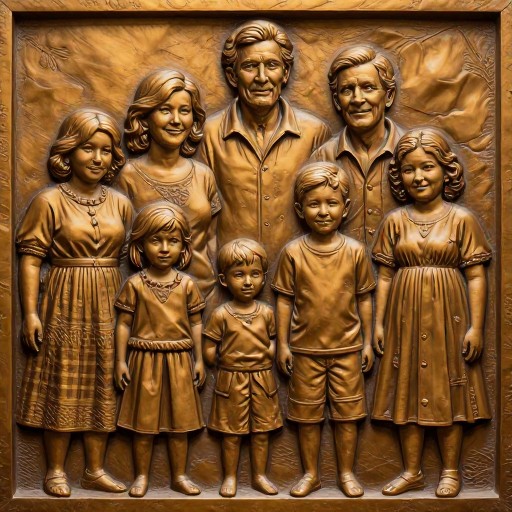
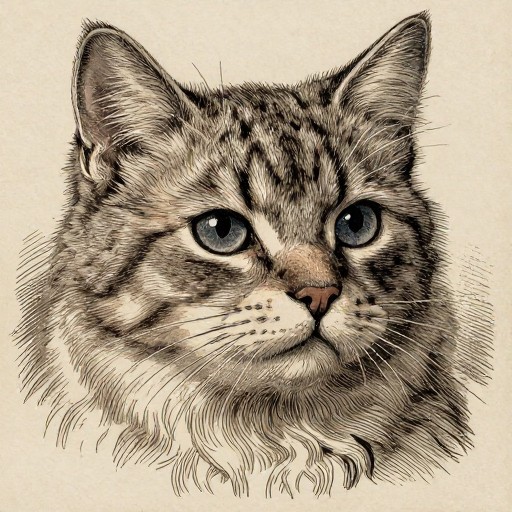
How to Get Started
Simple steps to create amazing results
Upload Your Photo
Select a clear, high-resolution portrait image from your device. The better the quality of your original photo, the more detailed your engraving will be.
Choose Engraving Style
Select from Portrait, Landscape, Group Portrait, or Pet Portrait styles. Pick your preferred output format (PNG, SVG, or JPG) and adjust detail settings.
Generate & Download
Click generate and watch as your photo transforms into a stunning engraved portrait. Download your artwork instantly and use it anywhere you like.
Main Features
Powerful capabilities at your fingertips
Classic Engraving Style
Transform your photos into timeless engraved portraits with authentic cross-hatching and line work that mimics traditional engraving techniques.
Multiple Portrait Types
Choose from Portrait, Landscape, Group Portrait, and Pet Portrait options. Each style is optimized for different subjects and compositions.
Versatile Export Formats
Download your engraved portraits in PNG, SVG, or JPG formats. SVG files are perfect for scaling to any size without quality loss.
Instant Processing
Get your engraved portrait in seconds with our advanced AI technology. No waiting, no manual work—just instant artistic transformation.
Adjustable Detail Levels
Control the intricacy of your engraving with customizable detail settings. From subtle fine lines to bold dramatic strokes, you're in control.
Professional Quality
Create gallery-worthy engraved portraits suitable for printing, framing, business cards, book covers, and professional branding materials.
Frequently Asked Questions
Everything you need to know
How do I upload my image?
What types of engraving can I choose from?
What output formats are available?
Can I use the engraved portraits commercially?
What image quality works best?
How detailed will my engraving be?
Ready to Create Timeless Engraved Portraits?
Transform your photos into stunning classical engravings in seconds. No artistic skills required—just upload and create.