Pixel Portrait Generator
Transform your photos into stunning pixel art portraits with custom pixel sizes and color palettes
Pixel art portrait
Your generated content will appear here
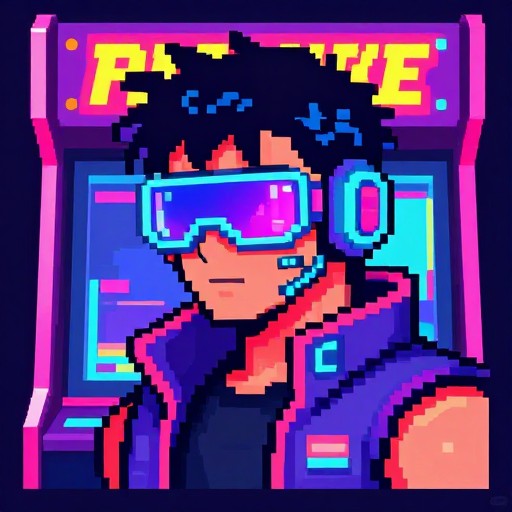
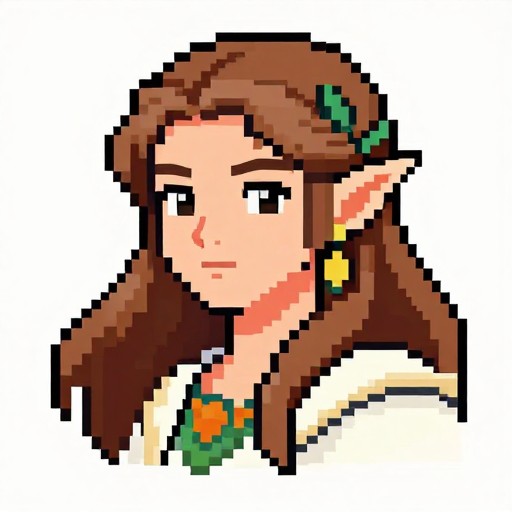
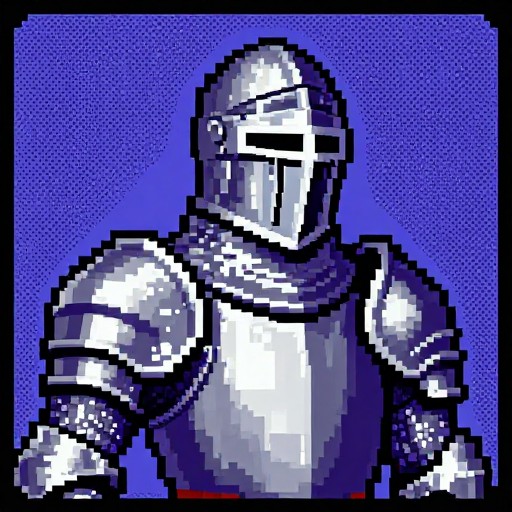
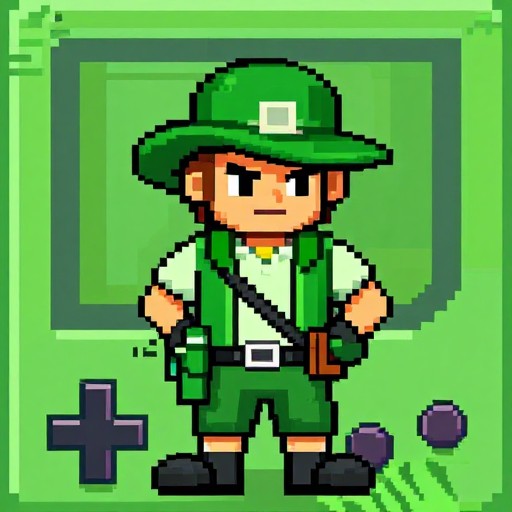
Pixel Portrait Generator Examples
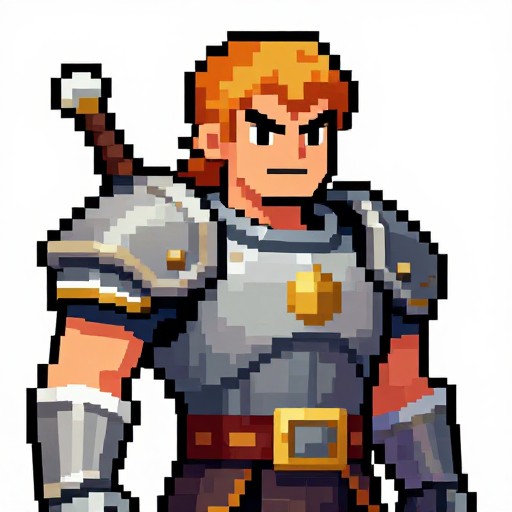
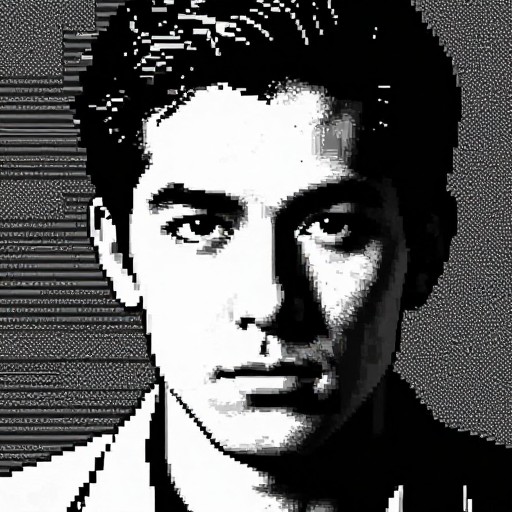
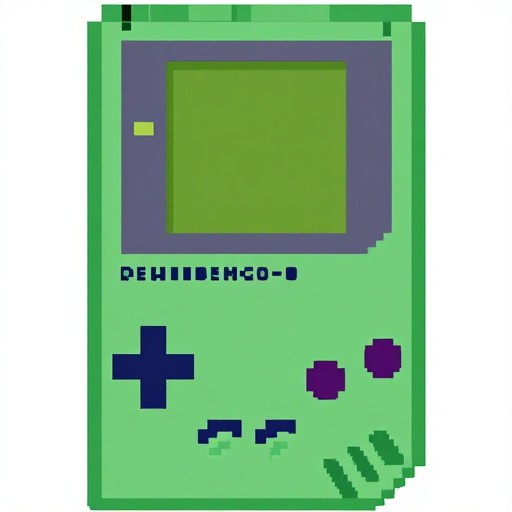
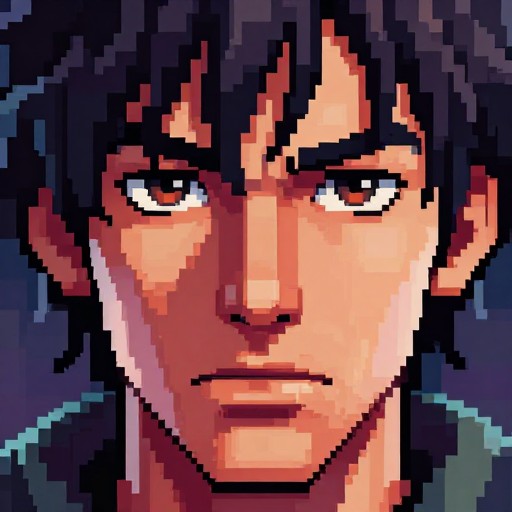
See what others have created
How to Get Started
Simple steps to create amazing results
Upload Your Image
Choose any photo you want to transform into pixel art. Our tool accepts JPG, PNG, and other common image formats.
Customize Settings
Select your preferred pixel size (16x16 to 128x128) and choose from retro, monochrome, or 8-bit color palettes to match your style.
Download & Share
Click 'Generate' to create your pixel portrait instantly. Download your creation and use it for games, avatars, or digital art projects.
Main Features
Powerful capabilities at your fingertips
Multiple Color Palettes
Choose from retro, monochrome, 8-bit, and custom color schemes to give your pixel art the perfect aesthetic for any project.
Flexible Pixel Sizes
Select from various resolutions including 16x16, 32x32, 64x64, and 128x128 to control the level of detail in your pixel portraits.
Instant Processing
Advanced algorithms convert your images to stunning pixel art in seconds, with no waiting or complex software required.
High-Quality Output
Download your pixel portraits in crisp PNG format, perfect for use in games, profile pictures, NFTs, and creative projects.
Smart Conversion
Intelligent edge detection and color optimization ensure your pixel art maintains recognizable features while achieving authentic retro style.
Batch Processing
Convert multiple images at once with consistent settings, ideal for creating character sets or avatar collections efficiently.
Frequently Asked Questions
Everything you need to know
How do I convert an image to pixel art?
What pixel sizes are available?
Can I customize the color palette?
What image formats are supported?
Can I use my pixel portraits commercially?
Is there a limit to how many portraits I can create?
Ready to Get Started?
Transform your photos into stunning pixel art in seconds. No experience needed, unlimited creations.