Zoo Map Illustration Generator
Create simple and informative zoo map illustrations highlighting key areas and amenities
Zoo map illustration
Your generated content will appear here
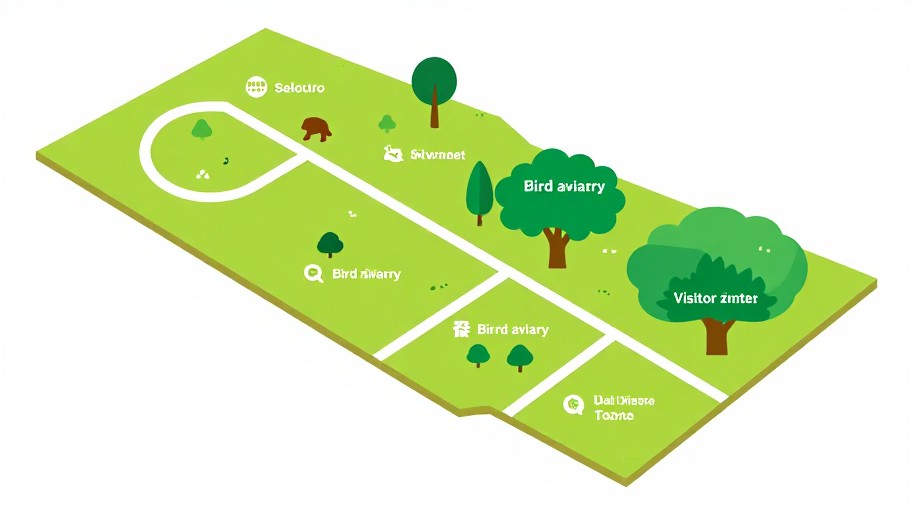
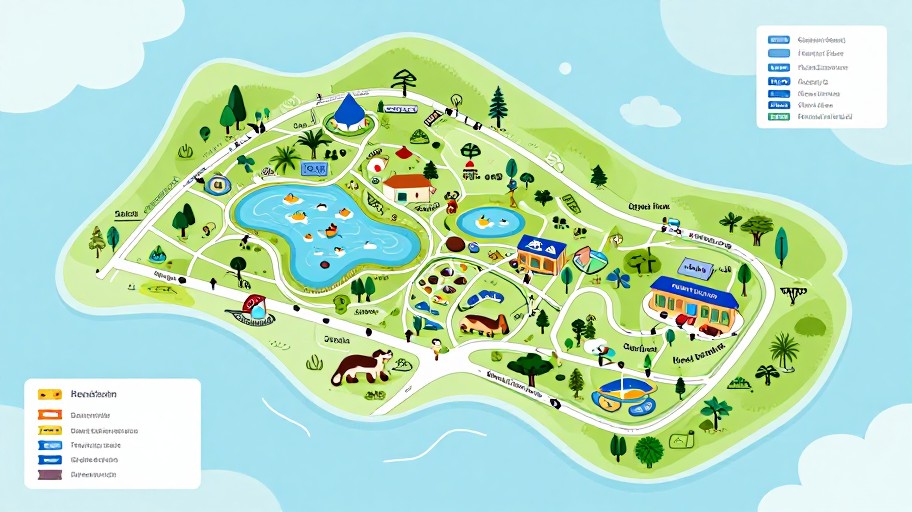
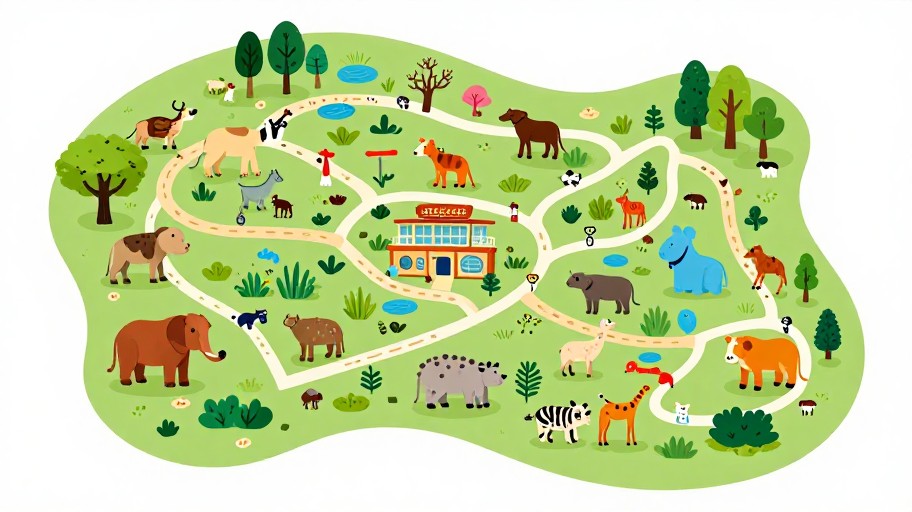
Zoo Map Illustration Generator Examples
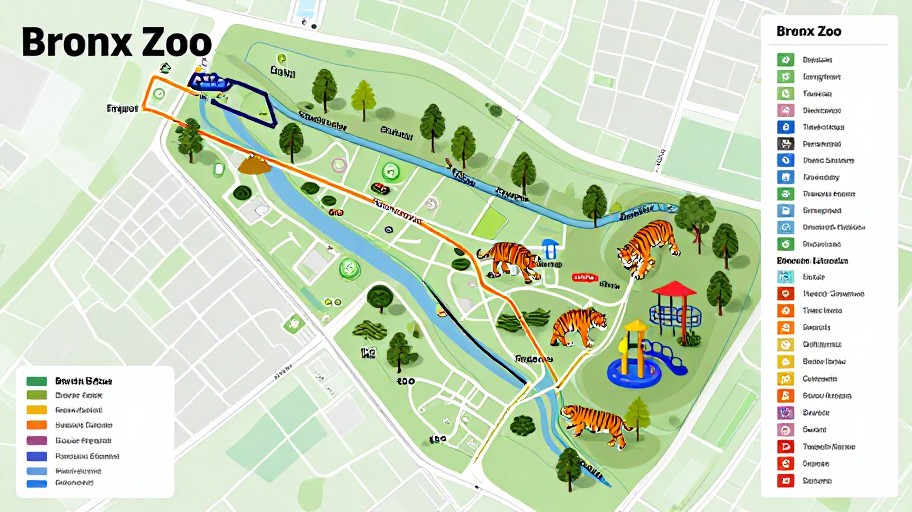
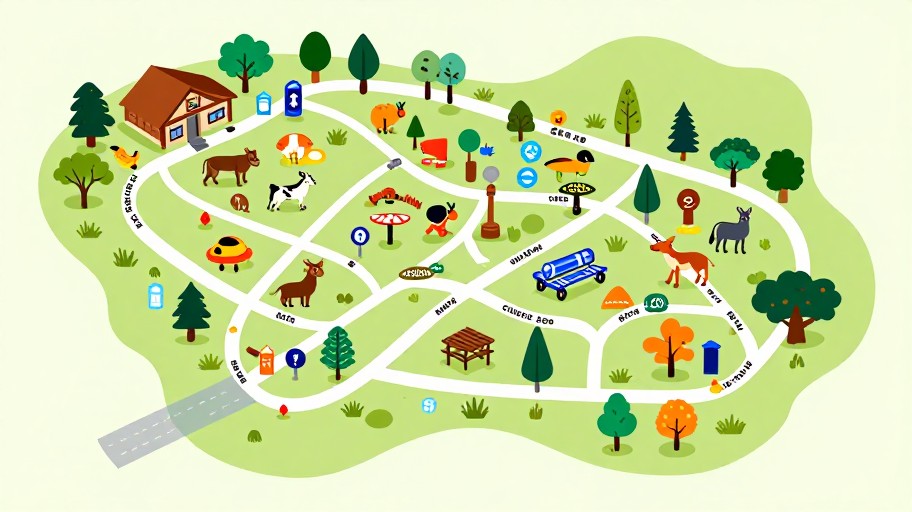
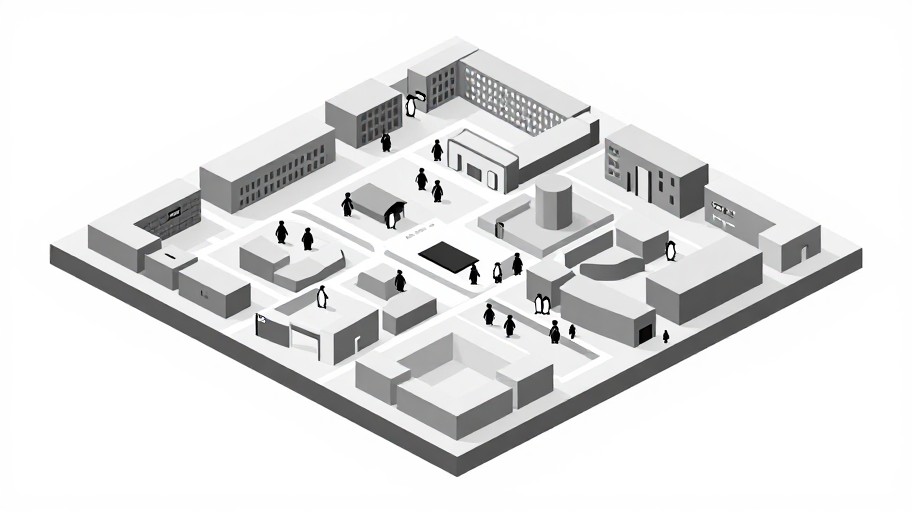
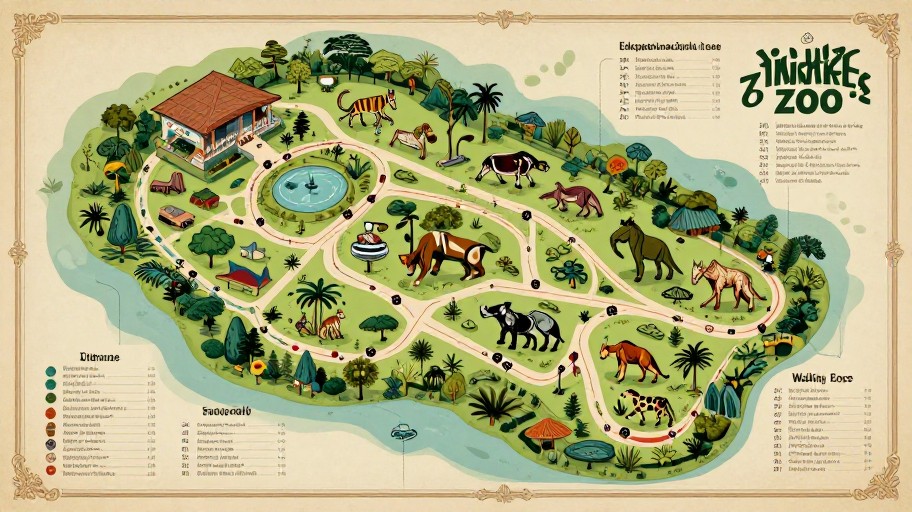
See what others have created

Related Illustration Tools
How to Get Started
Simple steps to create amazing results
Enter Zoo Details
Provide your zoo name and list the key areas you want highlighted, such as exhibits, rest areas, entrances, and amenities.
Choose Your Style
Select from various illustration styles including cartoonish, realistic, minimalistic, or informative themes that match your brand vision.
Generate & Download
Click generate to create your custom zoo map instantly, then download it in high resolution for printing or digital use.
Main Features
Powerful capabilities at your fingertips
Multiple Style Options
Choose from cartoonish, realistic, minimalistic, or informative themes to create a map that perfectly matches your zoo's brand and visitor needs.
AI-Powered Customization
Advanced AI technology generates professional zoo maps with intelligent placement of key areas, pathways, and points of interest automatically.
Highlight Key Areas
Specify exactly which exhibits, facilities, and amenities to emphasize, ensuring visitors can easily navigate to the most important locations.
Instant Download
Get your custom zoo map immediately in high-resolution format, ready for printing on brochures, signage, or sharing digitally with visitors.
Frequently Asked Questions
Everything you need to know
What is a zoo map illustration generator?
Can I customize the style of the zoo map?
How do I specify the key areas to be highlighted on the map?
What file format will my zoo map be in?
Can I create multiple versions of my zoo map?
Ready to Get Started?
Create professional, custom zoo maps in seconds with AI-powered illustration technology.