Stencil Portrait Generator
Transform your photos into stunning stencil art and detailed line drawings
Stencil Portrait
Your generated content will appear here
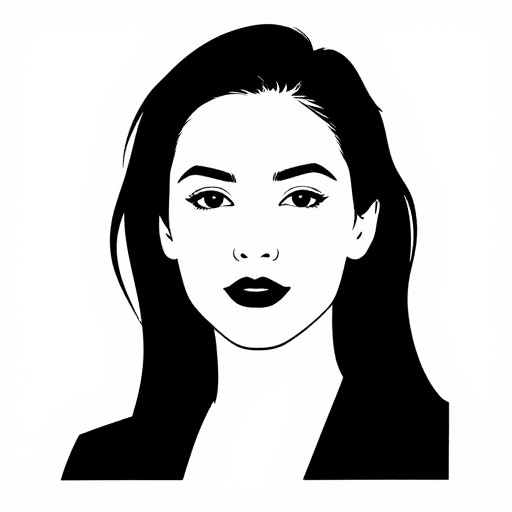
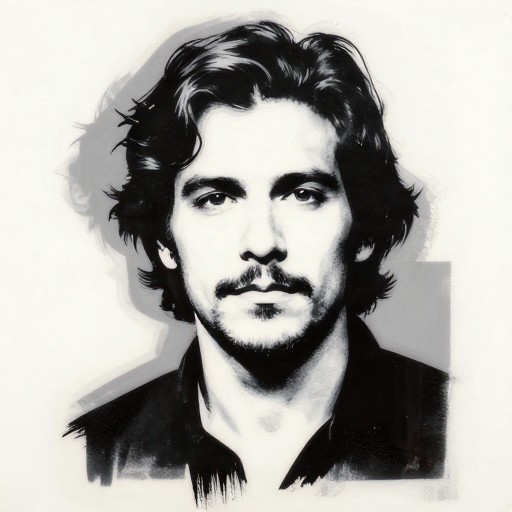
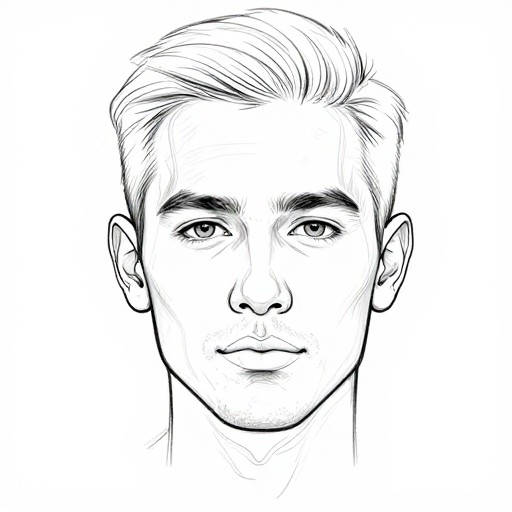
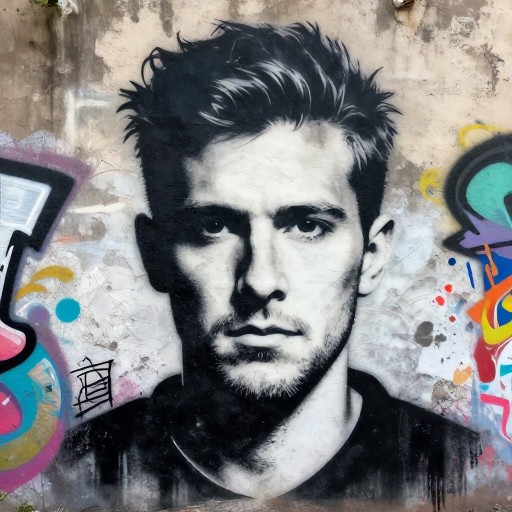
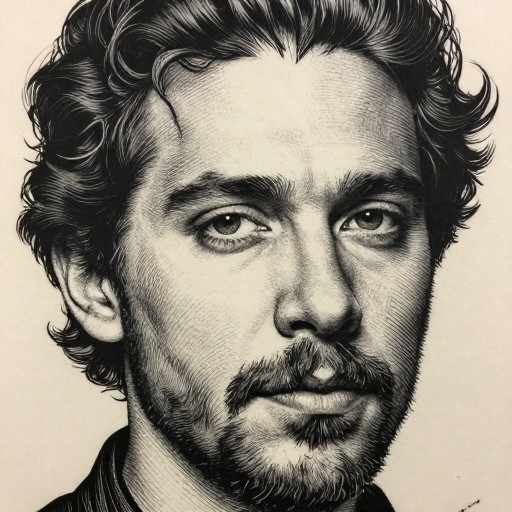
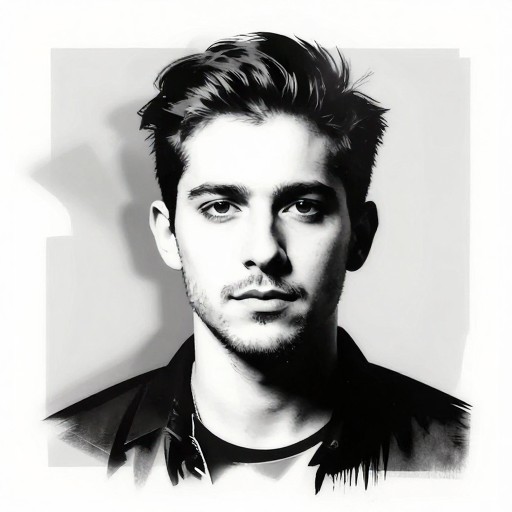
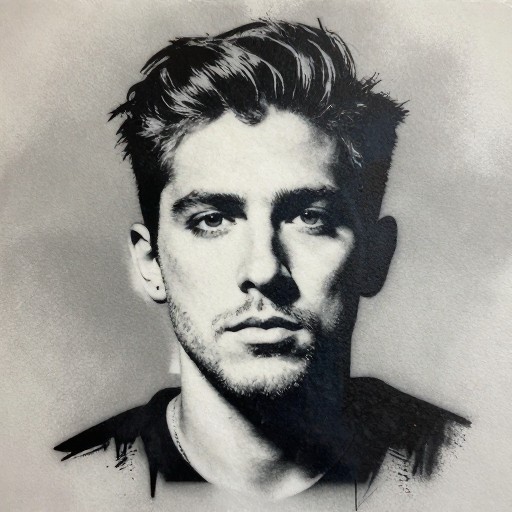
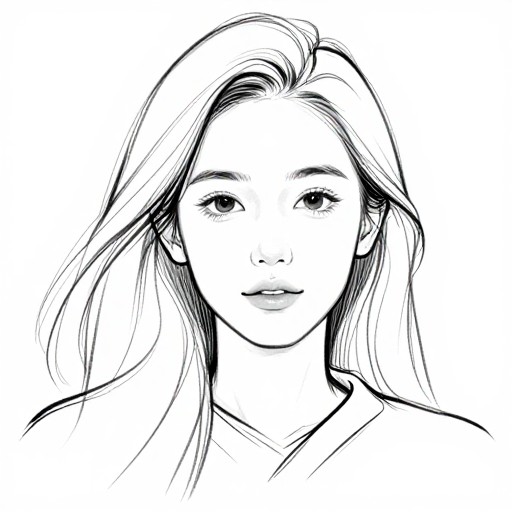
Stencil Portrait Generator Examples
See what others have created
Related Portrait & Caricature Tools
How to Get Started
Simple steps to create amazing results
Upload Your Photo
Drag and drop your portrait photo or click to select a file from your device. Works with JPG, PNG, and most image formats.
Customize Your Stencil
Choose your preferred stencil style, adjust line thickness, contrast levels, and select the number of layers for your design.
Download & Create
Preview your stencil portrait and download it in high resolution. Use it for art projects, screen printing, or wall decorations.
Main Features
Powerful capabilities at your fingertips
Multiple Stencil Styles
Choose from various output styles including line drawing, multi-layer stencils, and traditional stencil art formats perfect for spray painting or cutting.
Smart Edge Detection
Advanced algorithms automatically detect and enhance facial features, creating crisp, clean stencil lines that capture the essence of your portrait.
Adjustable Complexity
Control line thickness, detail level, and the number of stencil layers to match your skill level and project requirements.
High-Resolution Output
Download your stencil portraits in multiple formats and resolutions, ready for printing, cutting, or digital use in your creative projects.
Layer Separation
Generate multi-layer stencils with automatic layer separation, making it easy to create professional spray paint art with multiple colors.
Batch Processing
Upload and convert multiple photos at once, perfect for creating a series of portraits or experimenting with different settings quickly.
Frequently Asked Questions
Everything you need to know
How do I upload my photo?
What output styles can I choose from?
Is the service free to use?
What image formats are supported?
Can I create multi-layer stencils?
What resolution will my stencil be?
Ready to Get Started?
Transform your photos into stunning stencil art in seconds. Perfect for artists, crafters, and creative projects.