Fake Outlook Email Template
Create realistic-looking Outlook email templates with custom sender, recipient, subject, and message body
Email Template
Your generated content will appear here
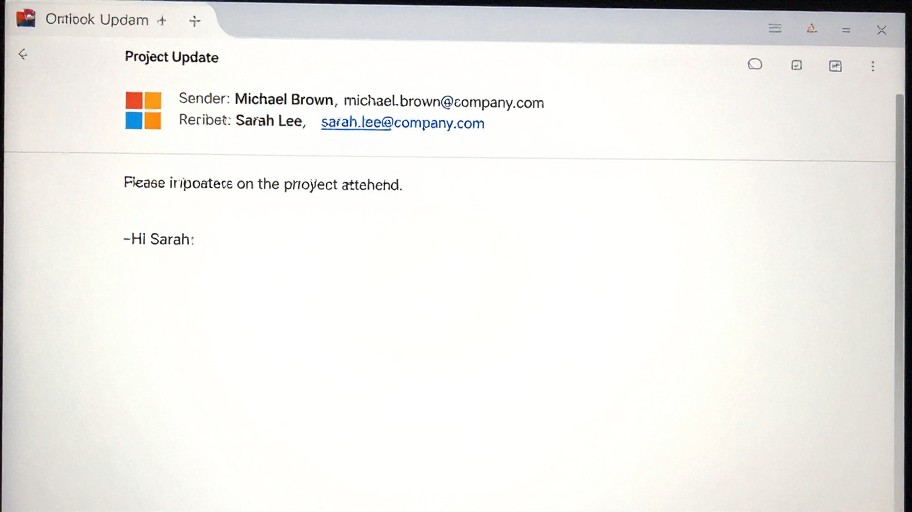
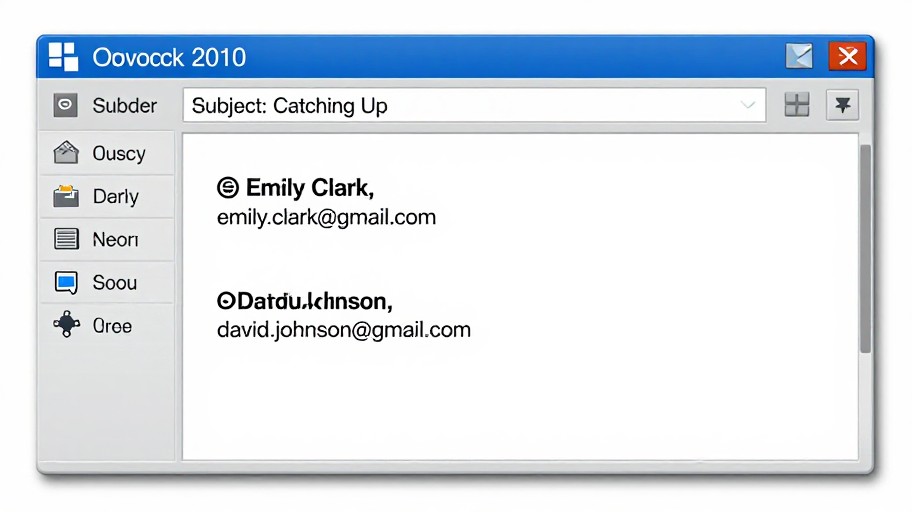
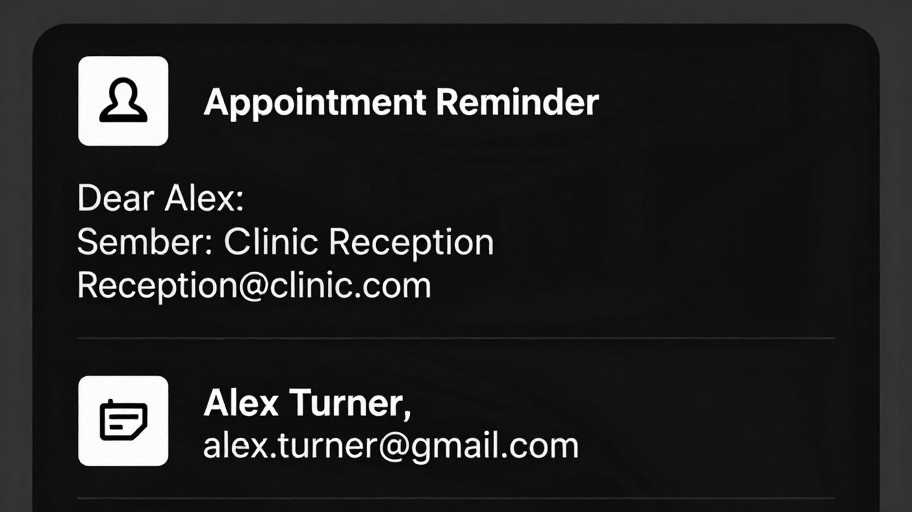
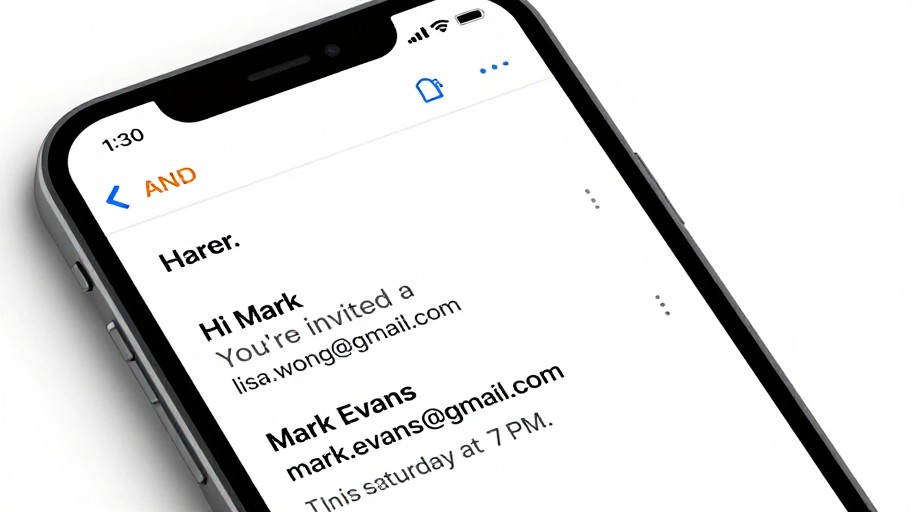
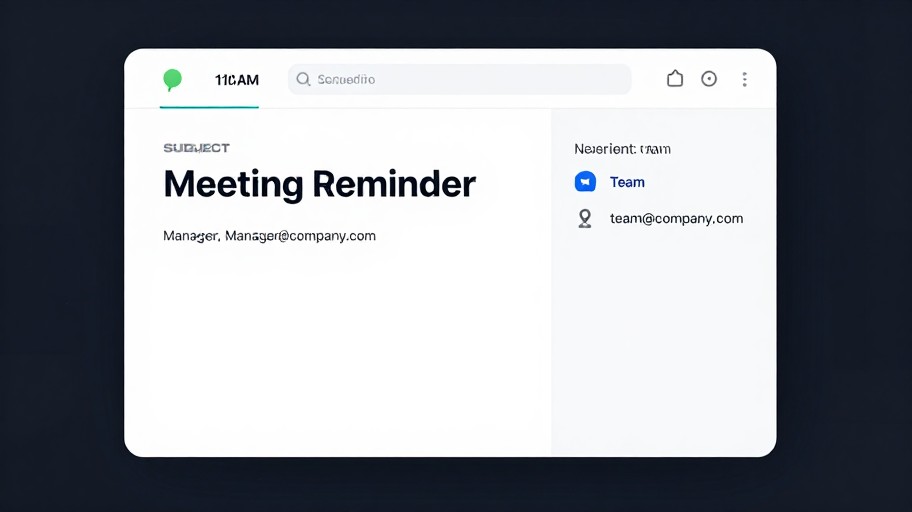
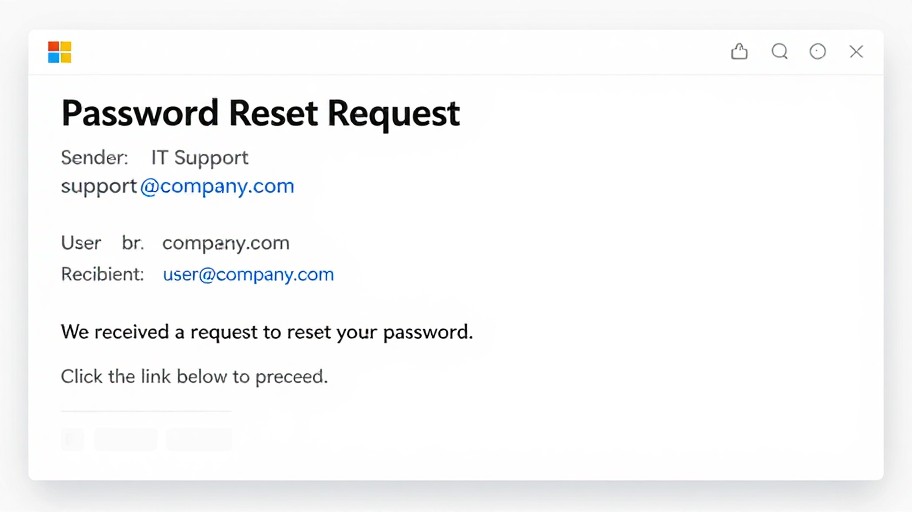
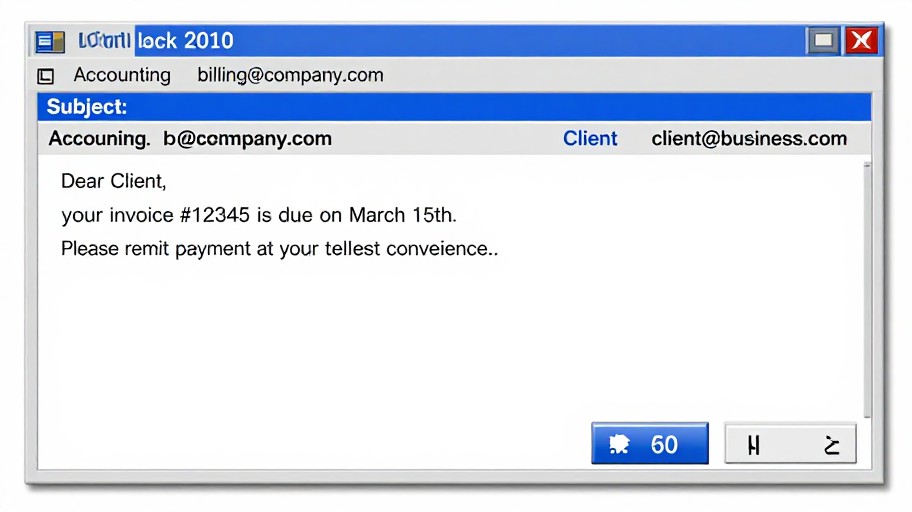
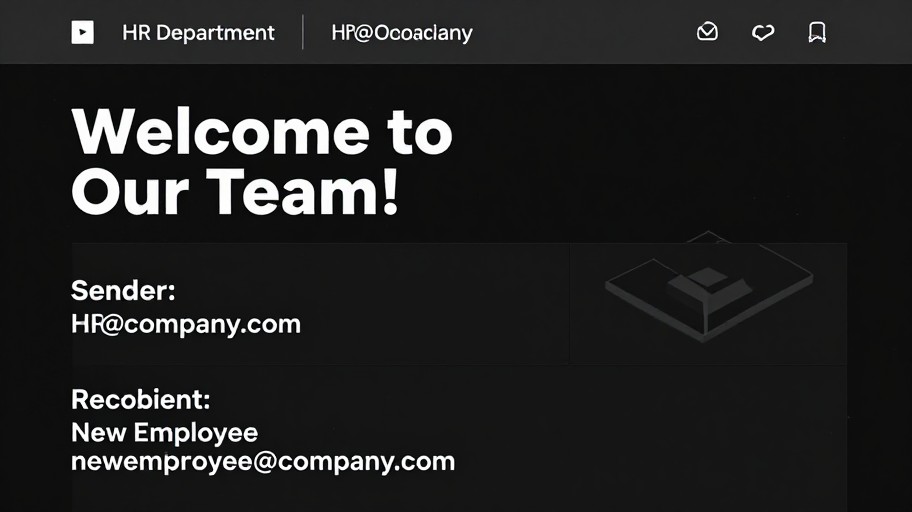
Fake Outlook Email Template Examples
See what others have created
How to Get Started
Simple steps to create amazing results
Enter Email Details
Fill in the sender, recipient, subject line, and body content for your fake Outlook email template.
Customize Appearance
Adjust timestamps, add attachments, and modify visual elements to make your email look authentic.
Download & Use
Generate your template and download it as an image ready for testing, presentations, or educational purposes.
Main Features
Powerful capabilities at your fingertips
Realistic Outlook Design
Pixel-perfect recreation of Microsoft Outlook's interface with authentic fonts, colors, and layout.
Full Customization
Control every detail including sender names, email addresses, timestamps, subject lines, and message content.
High-Resolution Export
Download your fake email as a crisp, high-quality image perfect for screenshots and presentations.
Custom Timestamps
Set any date and time to match your specific testing or demonstration needs.
Instant Preview
See real-time updates as you type and make changes to your email template.
Screenshot Ready
Generate professional-looking email images ideal for tutorials, documentation, or mockups.
Frequently Asked Questions
Everything you need to know
How do I create a fake email template?
Can I send fake emails to myself?
Is it possible to create a fake email conversation?
What can I use fake Outlook emails for?
Does the generated email look authentic?
Can I customize the date and time on the email?
Ready to Get Started?
Create professional-looking Outlook email templates in seconds. No signup required, completely free.