Convert Photo To Emoji
Transform your photos into custom emojis with cartoon, realistic, or pixel art styles
Upload a photo to begin
Your generated content will appear here
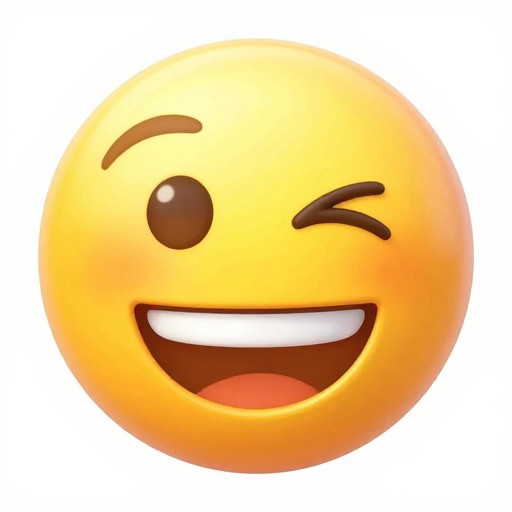
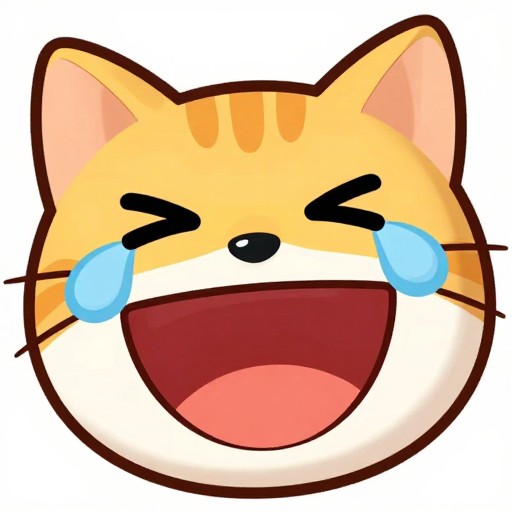
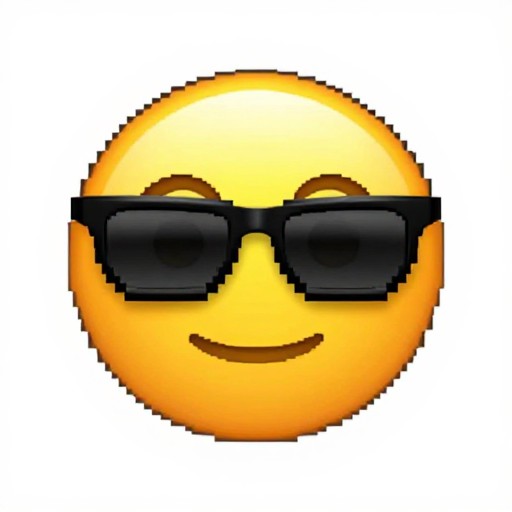
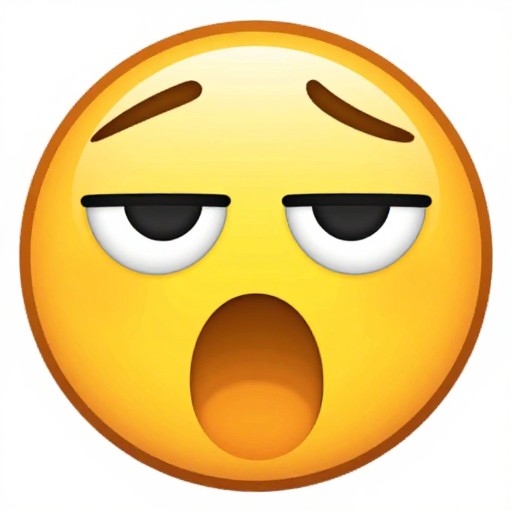
Convert Photo To Emoji Examples
See what others have created



How to Get Started
Simple steps to create amazing results
Upload Your Photo
Select a photo from your device or paste an image URL. Our converter accepts all common image formats including JPG, PNG, and GIF.
Choose Your Style
Pick from multiple emoji styles including cartoon, realistic, or pixel art. Customize the size from 64x64 to 128x128 pixels or larger to suit your needs.
Generate & Download
Click convert and watch as our AI transforms your photo into a custom emoji instantly. Download your creation and use it anywhere you like.
Main Features
Powerful capabilities at your fingertips
AI-Powered Conversion
Advanced artificial intelligence analyzes your photo and creates a perfect emoji representation with accurate facial features and expressions.
Multiple Style Options
Choose from cartoon, realistic, pixel art, and more styles. Each style brings unique character to your personalized emoji creations.
Custom Sizing
Generate emojis in various sizes from 64x64 to 128x128 pixels and beyond, perfect for messaging apps, social media, or Discord servers.
Instant Results
No waiting required. Our photo to emoji converter processes your image and delivers your custom emoji in seconds, not minutes.
Easy Download
Download your emoji creations instantly in high quality PNG format, ready to use across all platforms and applications.
Free to Use
Create unlimited personalized emojis without any cost. Transform as many photos as you want into custom emojis completely free.
Frequently Asked Questions
Everything you need to know
How do I convert a photo to an emoji?
Is the photo to emoji converter free to use?
Can I customize the emoji style and size?
How do I make my own emoji from a picture?
What image formats are supported?
Can I use my custom emoji on messaging apps?
Ready to Create Your Custom Emoji?
Transform your favorite photos into unique emojis in seconds. No signup required, completely free forever.