Ai Cad Drawing Generator
Transform text descriptions into detailed CAD drawings with AI technology for manufacturing, 3D printing, and design
CAD Drawing
Your generated content will appear here
Ai Cad Drawing Generator Examples
See what others have created
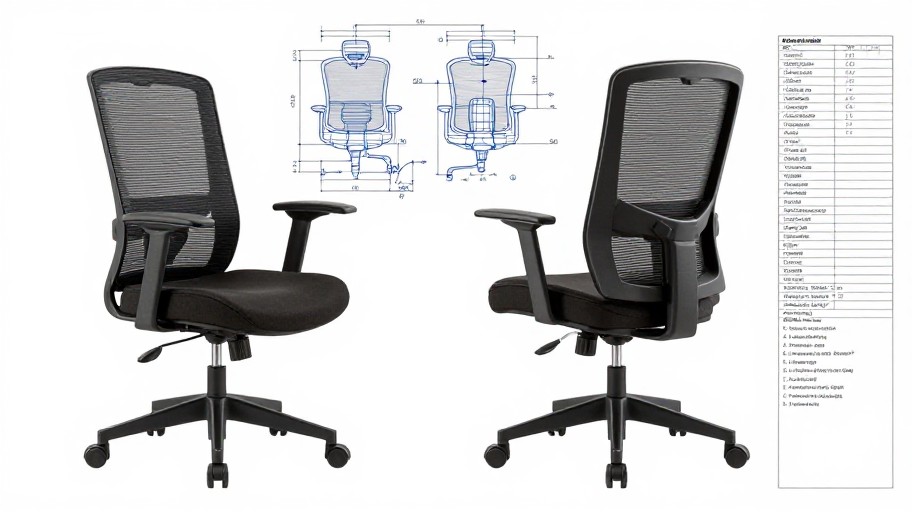
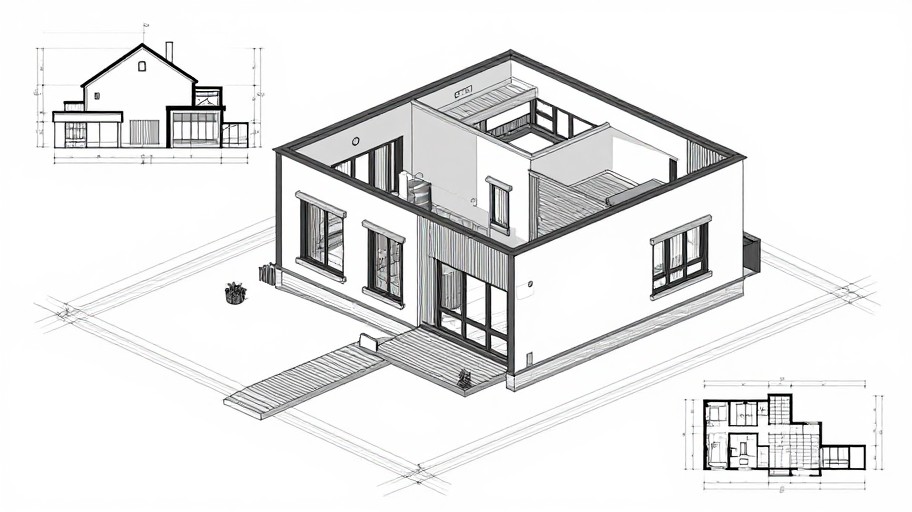
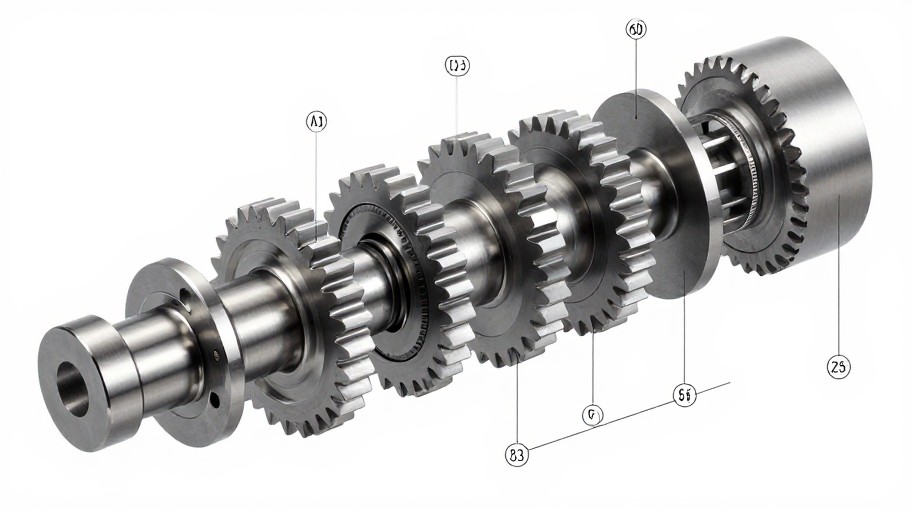
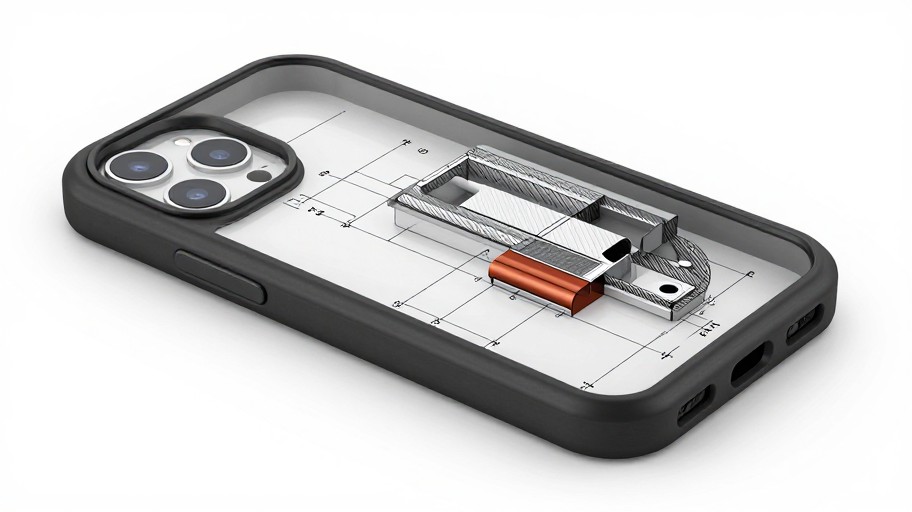
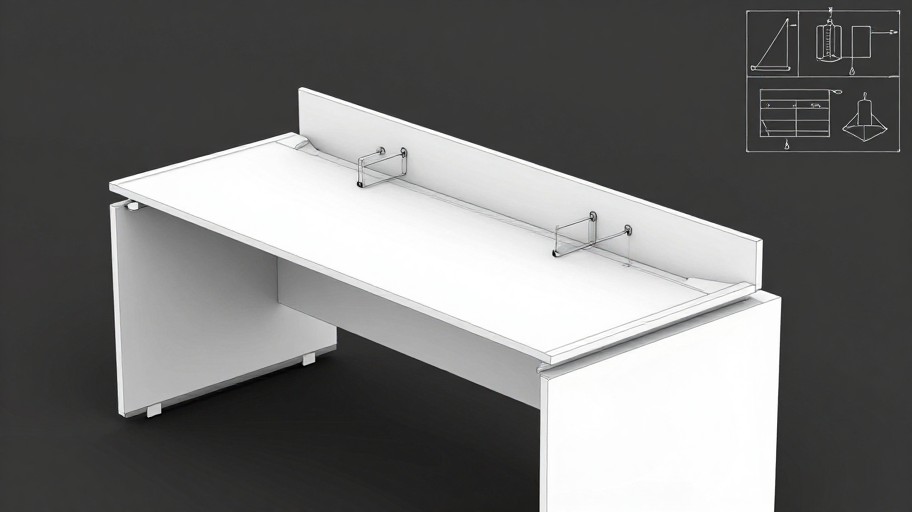
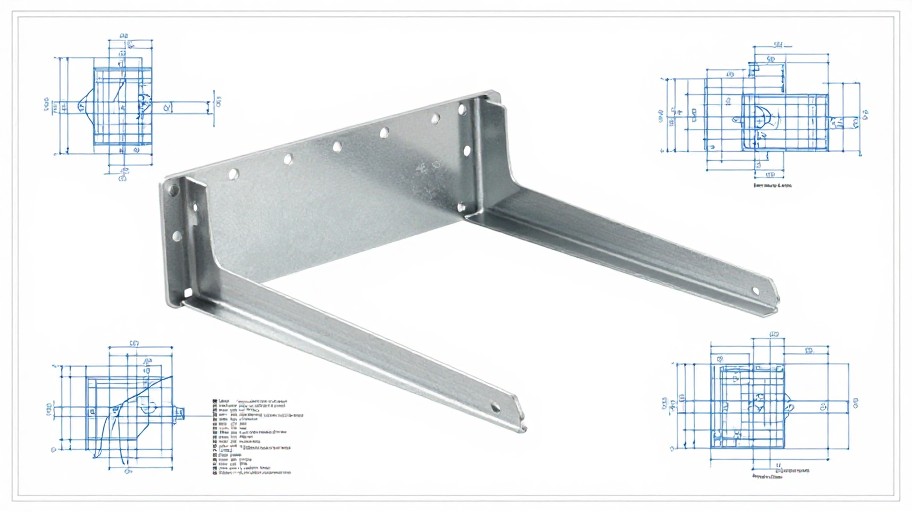
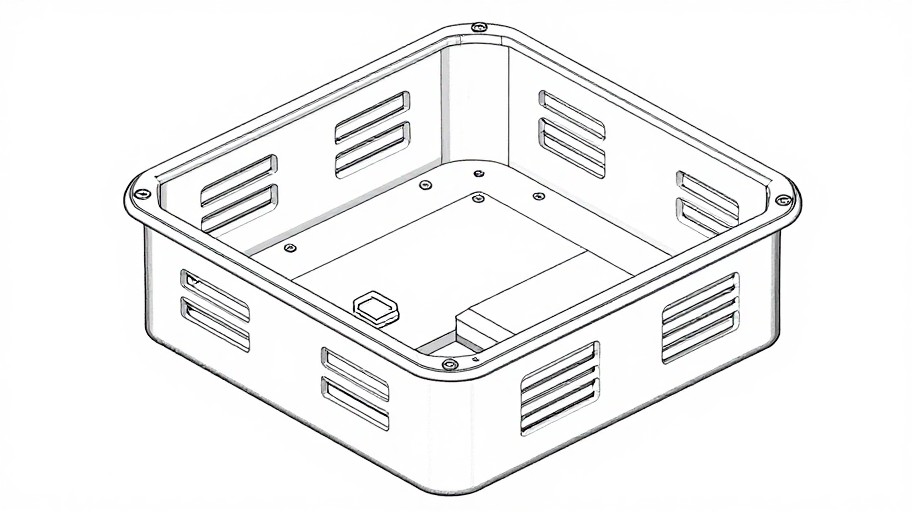
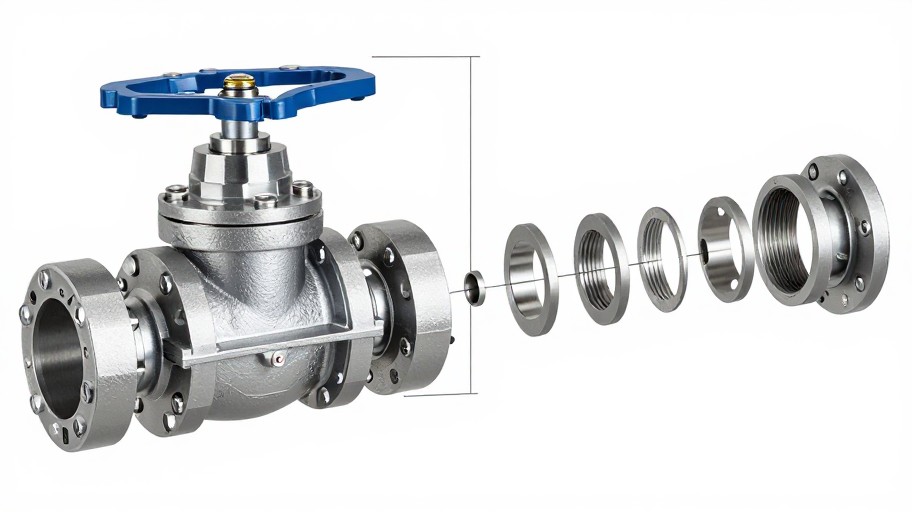
How to Get Started
Simple steps to create amazing results
Describe Your Design
Enter a detailed text description of the CAD drawing you need - from mechanical parts to architectural plans.
Customize Settings
Choose your preferred format (AutoCAD, SolidWorks, DXF) and adjust dimensions, units, and detail level.
Download & Use
Generate your CAD drawing instantly and download it in your chosen format, ready to import into your CAD software.
Main Features
Powerful capabilities at your fingertips
AI-Powered Precision
Advanced algorithms convert your text descriptions into accurate, detailed CAD models with professional-grade precision and technical specifications.
Multi-Format Export
Export your designs in multiple CAD formats including DWG, DXF, and STEP, ensuring compatibility with AutoCAD, SolidWorks, and other industry-standard software.
Smart Customization
Fine-tune dimensions, materials, and technical specifications with intuitive controls that adjust your CAD drawings in real-time.
Lightning-Fast Generation
Create complex CAD drawings in seconds instead of hours, dramatically accelerating your design workflow and project timelines.
Versatile Design Types
Generate architectural plans, mechanical components, electrical schematics, and 3D-printable models all from simple text descriptions.
Unlimited Iterations
Refine and regenerate your designs as many times as needed without restrictions, ensuring perfect results every time.
Frequently Asked Questions
Everything you need to know
How does the AI CAD Drawing Generator work?
What types of designs can I create?
Can I use this service for free?
What file formats are supported for export?
How accurate are the AI-generated CAD drawings?
Can I edit the generated CAD files?
Ready to Get Started?
Transform your ideas into professional CAD drawings in seconds. Join thousands of engineers and designers accelerating their workflow with AI.