Giga Chad Ai Generator
Transform your images with AI-powered Gigachad filter to enhance your jawline and cheekbones
Upload an image to get started
Your generated content will appear here
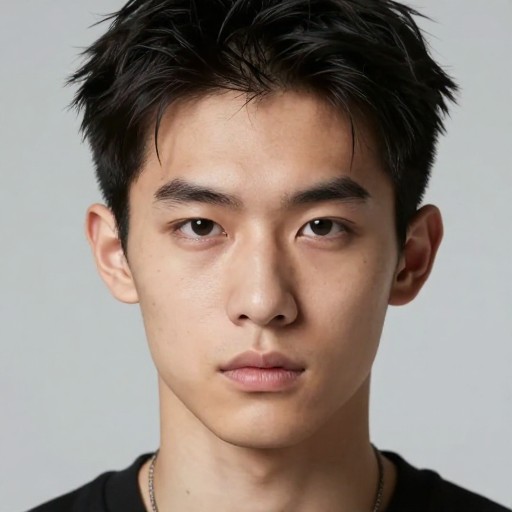
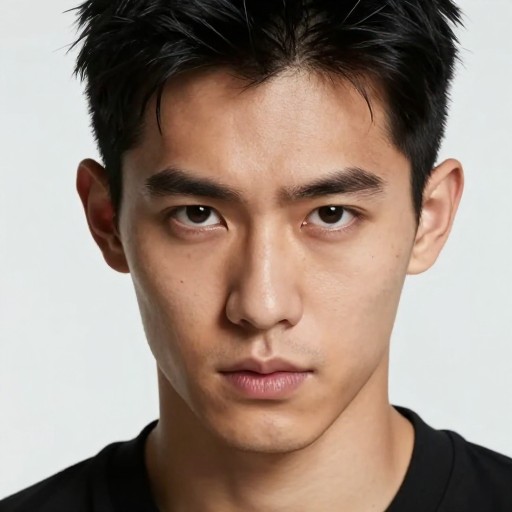
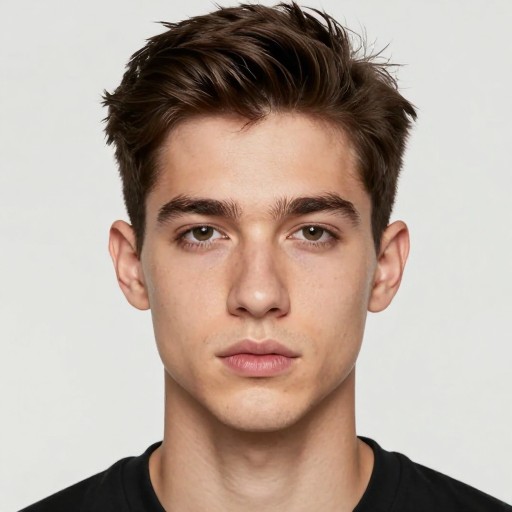
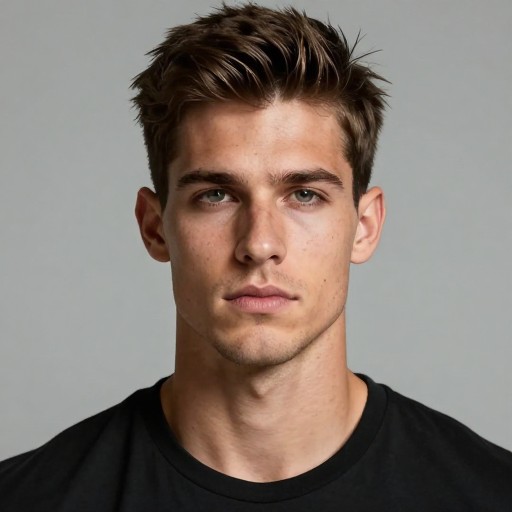
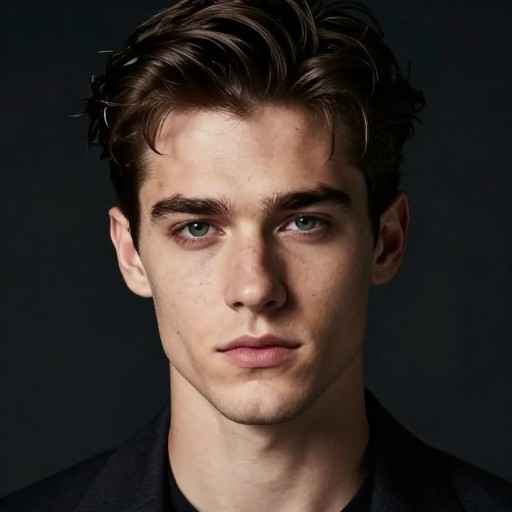
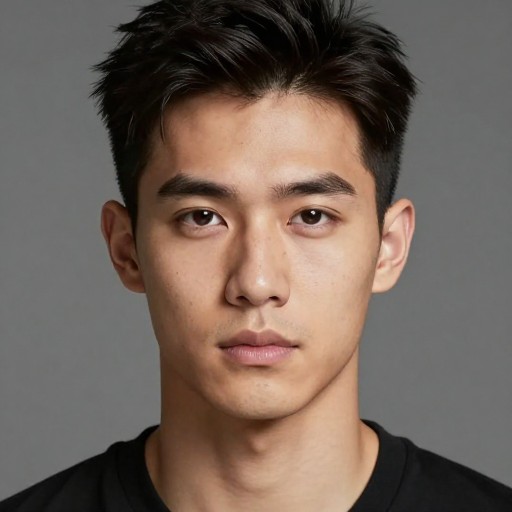
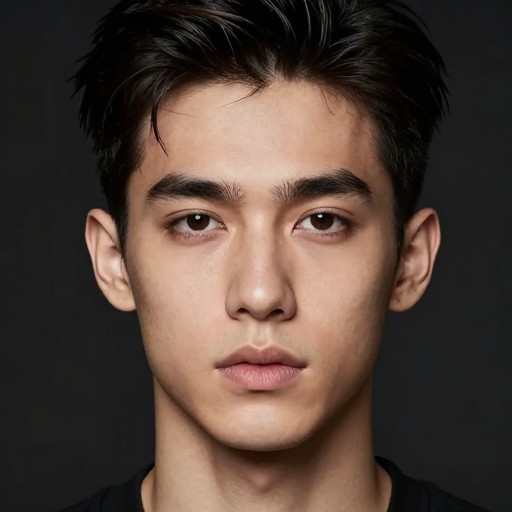
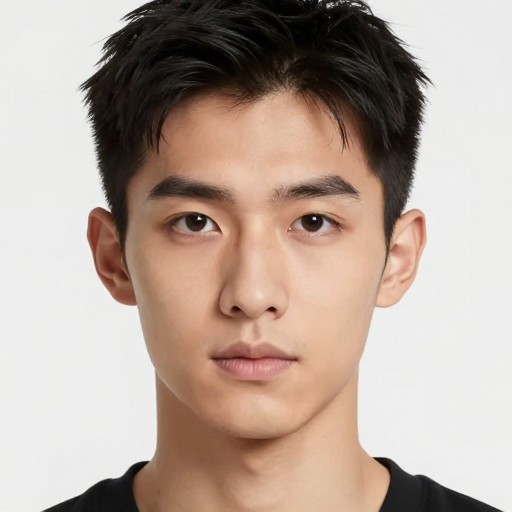
Giga Chad Ai Generator Examples
See what others have created
How to Get Started
Simple steps to create amazing results
Upload Your Image
Simply click on the upload button and select your image file. The AI will automatically detect your facial features and prepare them for transformation.
Customize Your Look
Choose which features to enhance - jawline, cheekbones, face symmetry, and more. Adjust intensity levels to get your perfect Gigachad transformation.
Generate & Download
Hit generate and watch the AI work its magic in seconds. Download your transformed image in high quality and share it anywhere you want.
Main Features
Powerful capabilities at your fingertips
AI-Powered Transformation
Advanced AI technology analyzes your facial features and applies the iconic Gigachad look with precision and realism.
Customizable Enhancement
Fine-tune specific features like jawline definition, cheekbones, face symmetry, and facial structure to match your desired aesthetic.
Instant Processing
Generate your Gigachad transformation in seconds with our optimized AI engine. No waiting, no delays - just instant results.
High-Quality Export
Download your transformed images in full HD resolution, perfect for profile pictures, memes, or social media sharing.
Unlimited Generations
Create as many Gigachad transformations as you want. Experiment with different photos and settings without any restrictions.
Real-Time Preview
See your transformation come to life with real-time preview as you adjust settings and enhancement levels.
Frequently Asked Questions
Everything you need to know
How do I upload an image to the Gigachad AI Generator?
Is the Gigachad filter available for free?
What features can I enhance with the Gigachad filter?
What image formats are supported?
How long does it take to generate a Gigachad image?
Can I use the generated images commercially?
Ready to Get Started?
Join millions transforming their photos with the ultimate Gigachad AI Generator. Create your legendary look in seconds.