Android Play Store Listing Generator
Create stunning screenshots and feature graphics for your app store listing in seconds
App store graphics
Your generated content will appear here
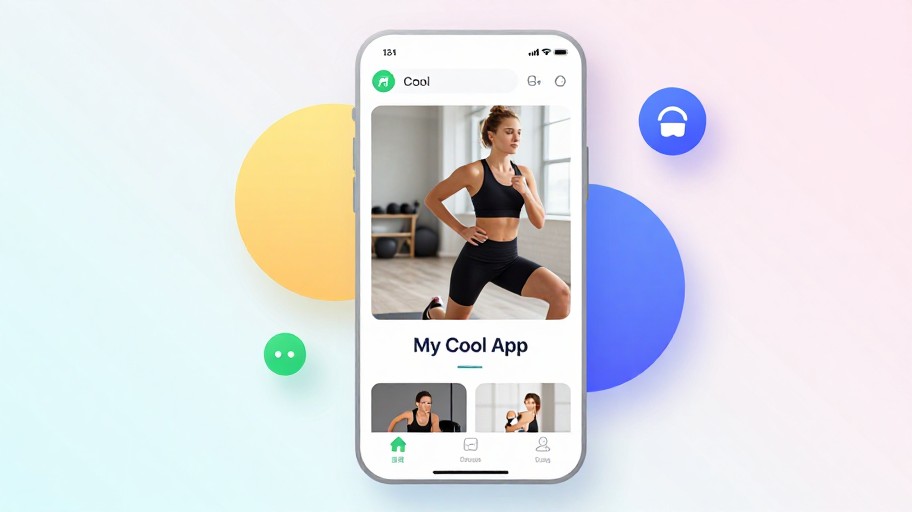
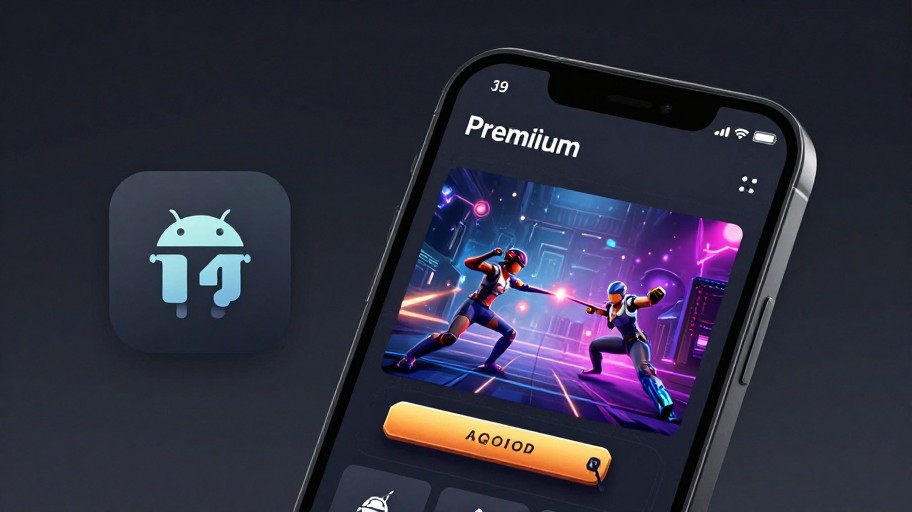
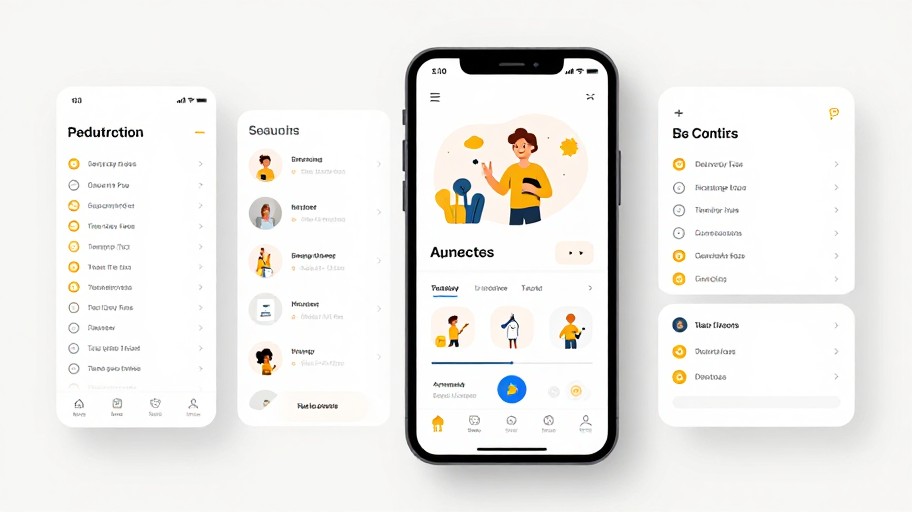
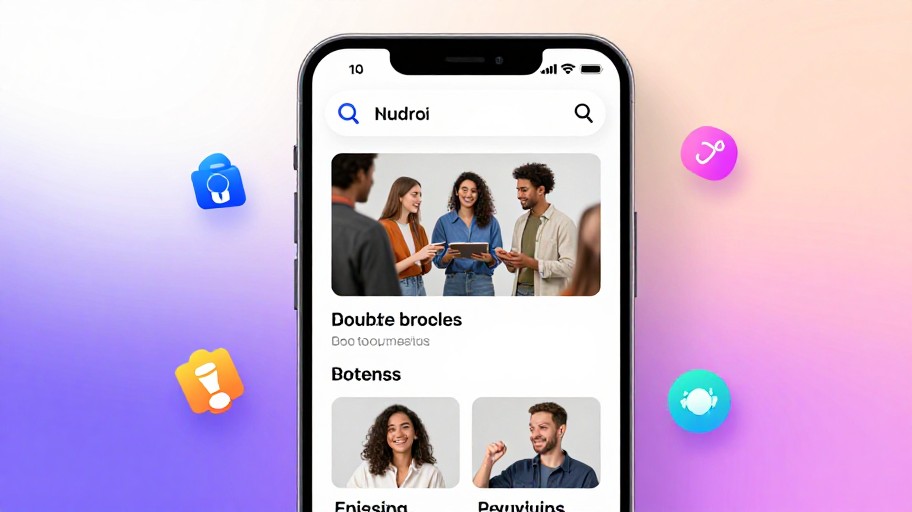
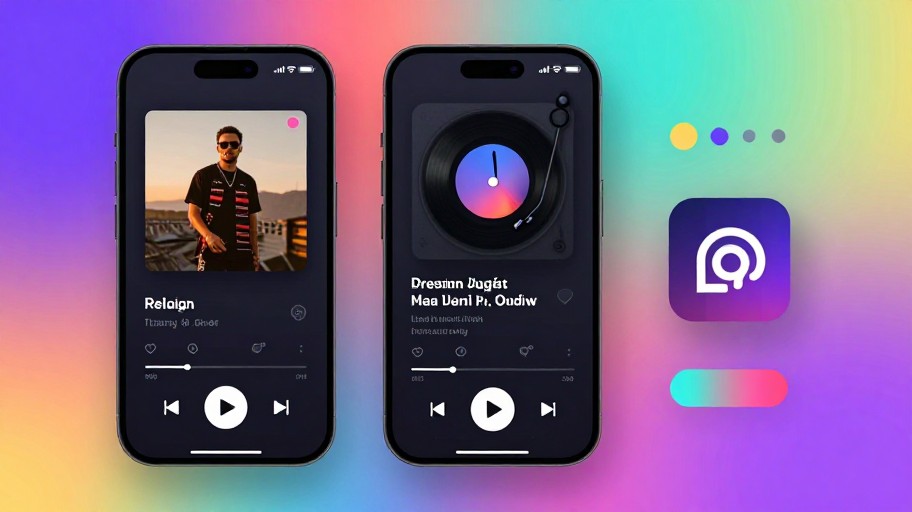
Android Play Store Listing Generator Examples
See what others have created

How to Get Started
Simple steps to create amazing results
Describe Your App
Enter your app name, description, and key features you want to highlight in your Play Store listing images.
Customize Your Design
Choose from templates, select colors, add your logo, and specify resolution requirements for your screenshots.
Generate & Download
Create your professional Play Store images instantly and download them in the perfect format for submission.
Main Features
Powerful capabilities at your fingertips
AI-Powered Screenshot Generation
Generate stunning Play Store screenshots automatically with AI that understands your app's core features and benefits.
Full Design Customization
Customize colors, fonts, layouts, and add your app logo to create screenshots that perfectly match your brand identity.
Multiple Format Export
Download in all required Play Store dimensions and resolutions, including feature graphics and promotional images.
Template Library
Access professional templates designed specifically for different app categories to jumpstart your listing visuals.
Instant Preview
See your changes in real-time and preview how your screenshots will look on actual devices before downloading.
Professional Quality
Create app store images that look professionally designed, helping your app stand out and increase conversion rates.
Frequently Asked Questions
Everything you need to know
What types of screenshots can I generate?
Can I customize the screenshots?
Is the service free?
What dimensions are supported?
Ready to Get Started?
Create professional Play Store listing images in minutes and boost your app downloads today.